Booking and scheduling
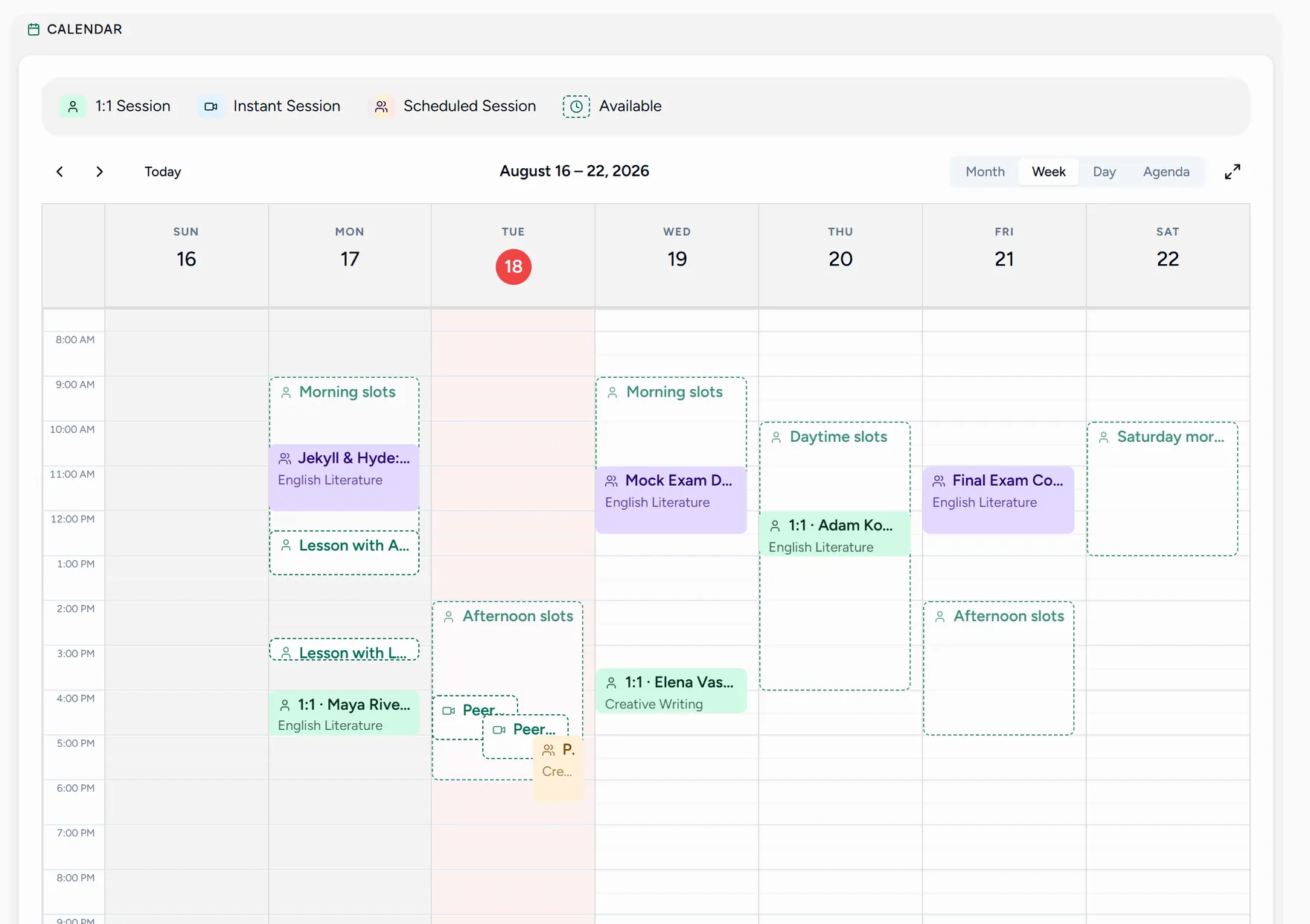
Scheduling connects two sides: students who pick a time, and teachers whose open hours and approval decide what can be picked. Every time is shown to each person in their own timezone.
How one booking happens
- A teacher opens availability windows, which become bookable slots.
- A student picks one, either from their Booking screen or from the teacher’s public page.
- Depending on the teacher’s settings, the lesson is confirmed straight away or sent as a request to approve.
- It appears on both calendars, and both people get a reminder before it starts.