Classes and groups
A class is the group of students who learn together. Once they are a class, you schedule for the group rather than picking names every time.
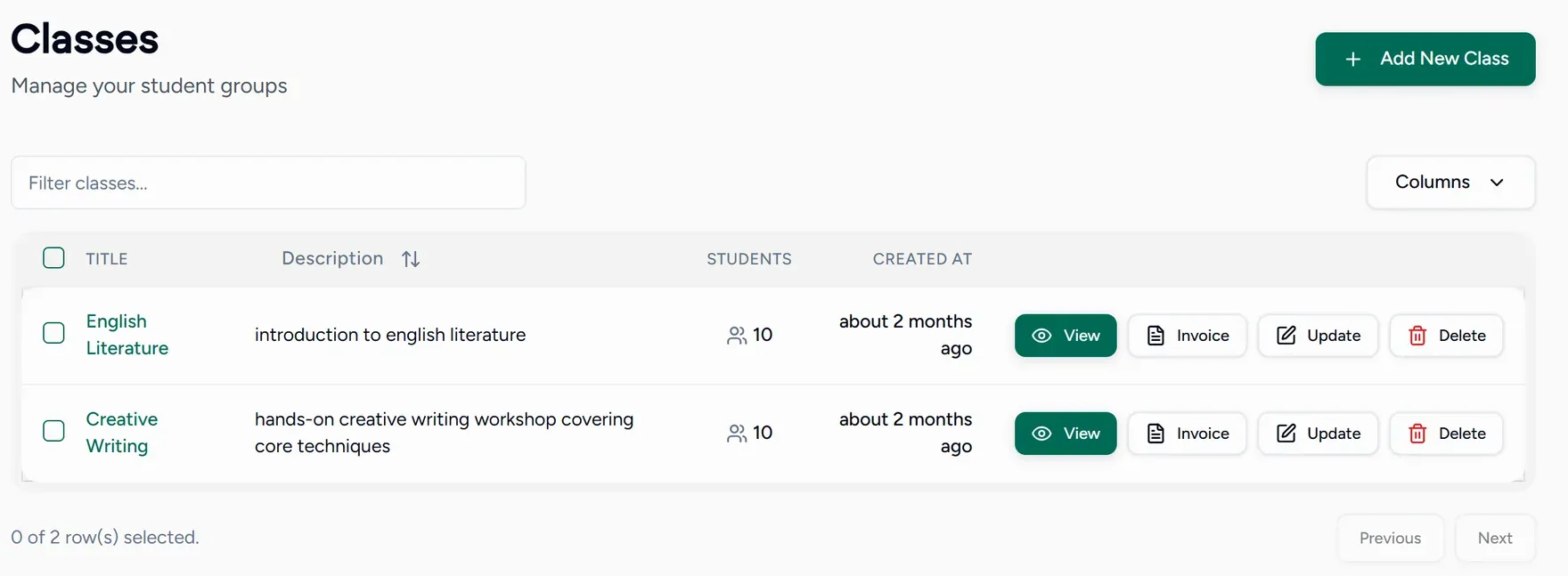
Creating a class
Choose Create new class
It is in Quick actions on your dashboard, and on the Classes screen.
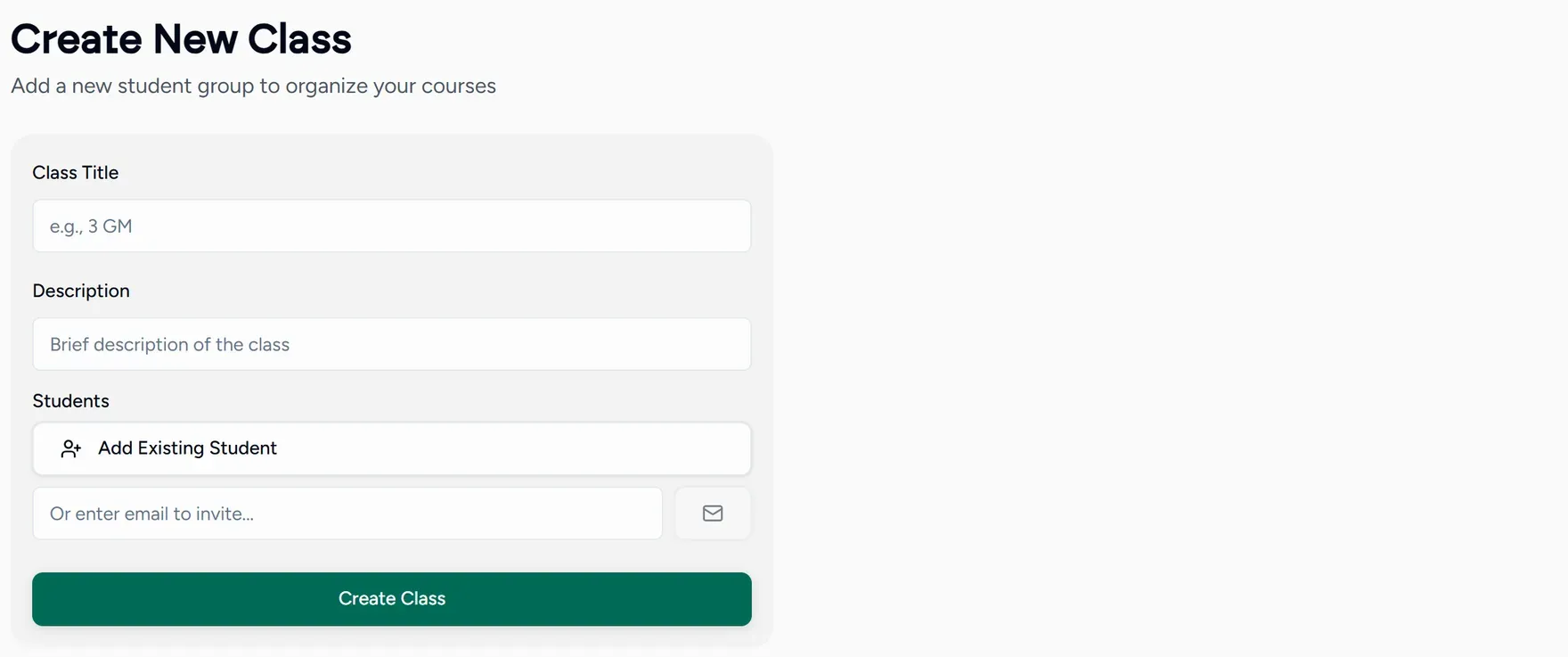
Name it and describe it
The name is what you will see in the class picker when scheduling, so make it recognisable at a glance: “Year 11 Tuesday” rather than “Group 2”.
Save
The class appears in your list with its student count.
Adding students
Two ways:
- Invite a student with a class specific invitation, and they join the class when they accept.
- Add someone already in your students pool to the class.
Using a class
When you create a session, picking a class invites every student in it. Change who is in the class and the next lesson follows, with no list to maintain twice.
You can also filter your roster by class, which is how you find “everyone in the Thursday group” without remembering names.