Inviting and managing teachers
Inviting a teacher
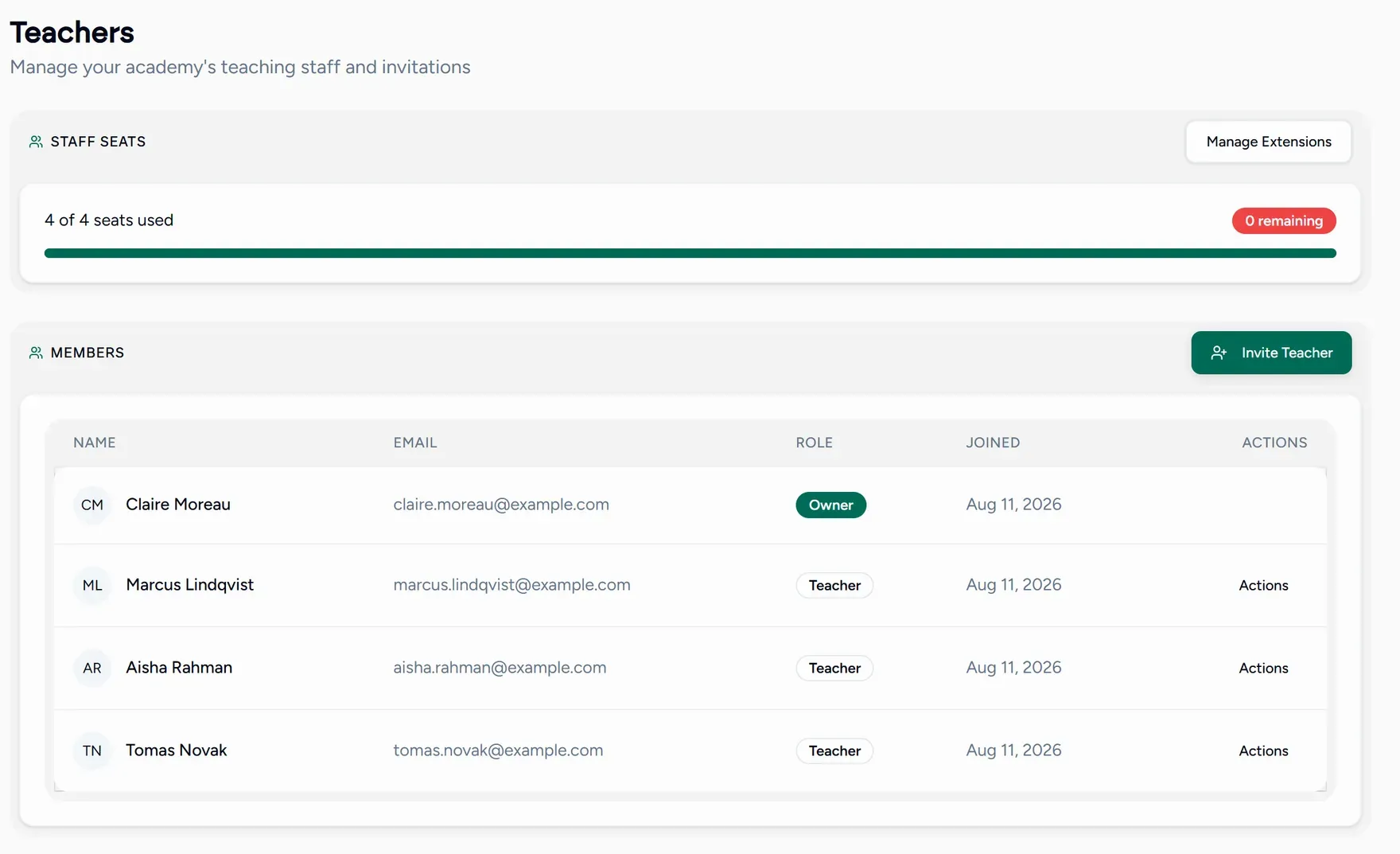
Open Teachers
Send the invitation
Invite by email. They receive a link.
They accept
Opening the link attaches them to your academy. If they are already signed in it happens immediately; if not, they register first and are attached at the end.
Their sessions and students roll up to the academy from that point, with nothing to link by hand.
Running the team
The Teachers directory lists everyone with their profile and status. Each tutor keeps their own login and their own teaching tools; what changes is that you can see across all of them.
How many teachers you can have depends on your plan and any staff seats you have added. Adding a seat is quicker than changing plan. See Add-ons and extras.