Programs and series
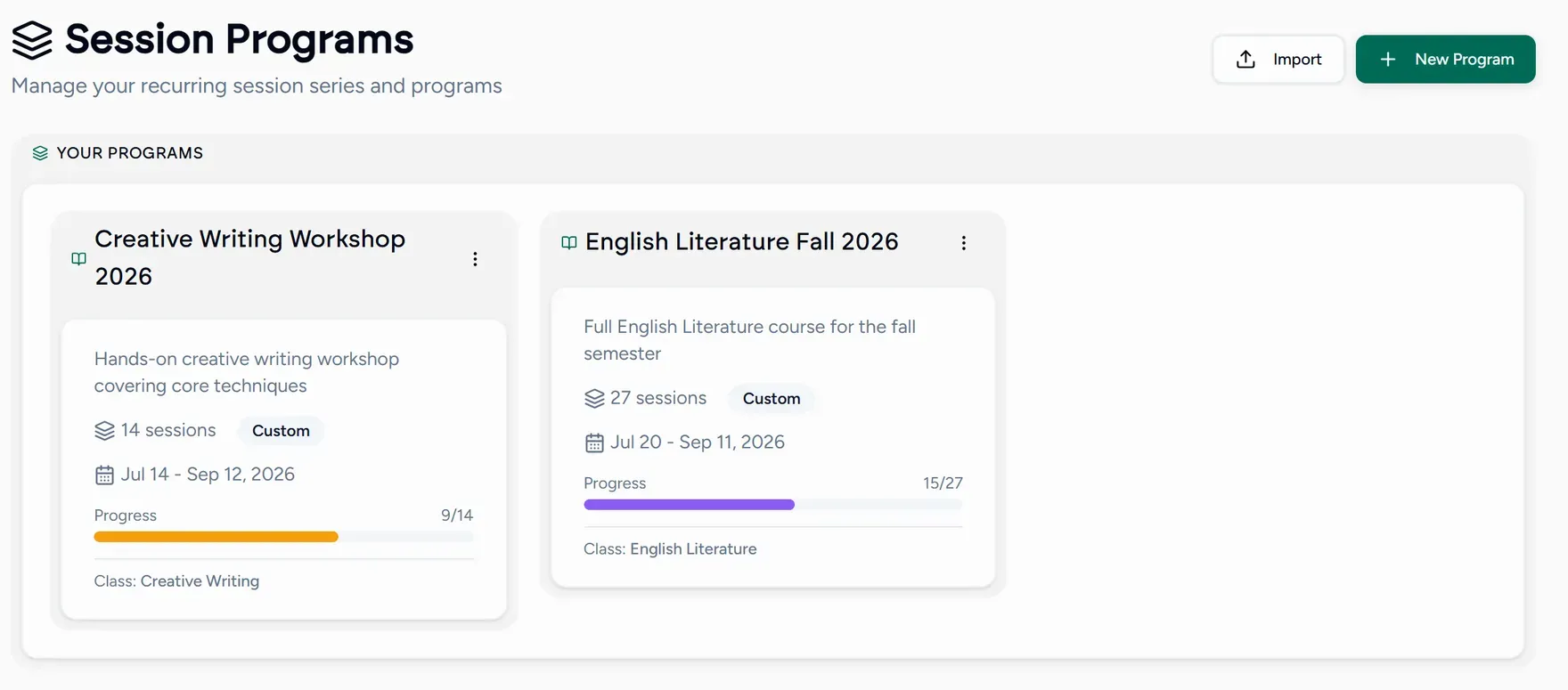
A program groups lessons into a recurring series or a full curriculum. It is what turns “a lesson every Tuesday” into something you set up once.
Creating one
Choose New series
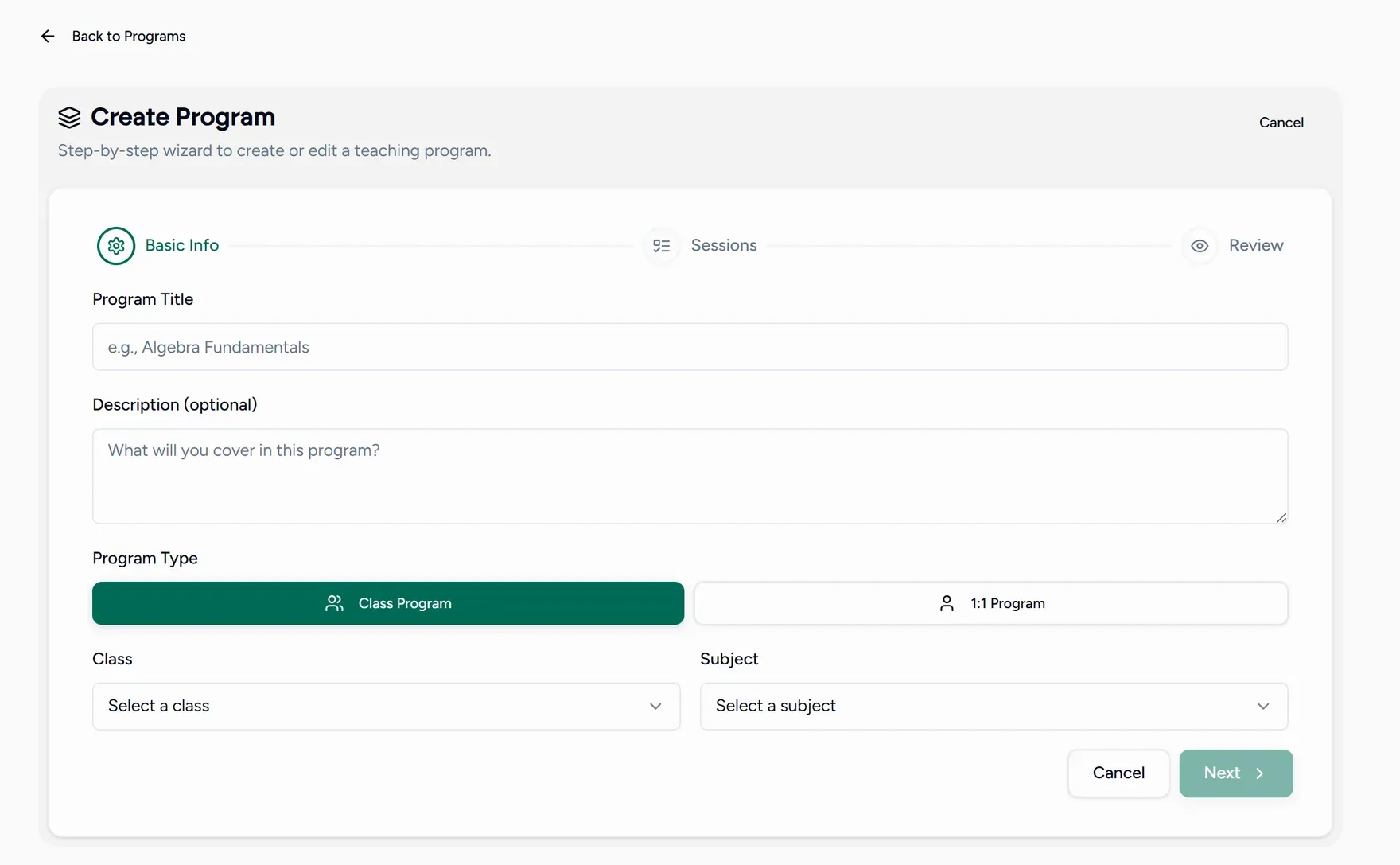
New series is top right on every screen, next to New session. It opens the program wizard.
Name it and set the schedule
Give the program a name, then choose how often it repeats and which weekdays it runs on. Lessons are created from that pattern instead of one at a time.
Add the structure
Add the topics or lessons the program works through. This is what a student sees as the shape of the course, and what you tick off as you go.
Save
The program appears in your list, and your Sessions screen can be filtered by it.
Importing a program
Already have a curriculum written down? Use Import on the Programs screen and bring it in through the import wizard rather than retyping it.
Academies can set up programs once for the whole team, so every tutor teaches the same structure. See Shared curriculum.
Files that belong to the program
A program keeps its own files, so worksheets and reference material sit with the course rather than being re-shared in every lesson.