Instant sessions
An instant session opens the classroom immediately. Use it for an unplanned catch up, a quick question before an exam, or a lesson you agreed five minutes ago by message.
There is no form to fill in. You choose which kind you want, and you are in the room.
Open Quick actions on your dashboard
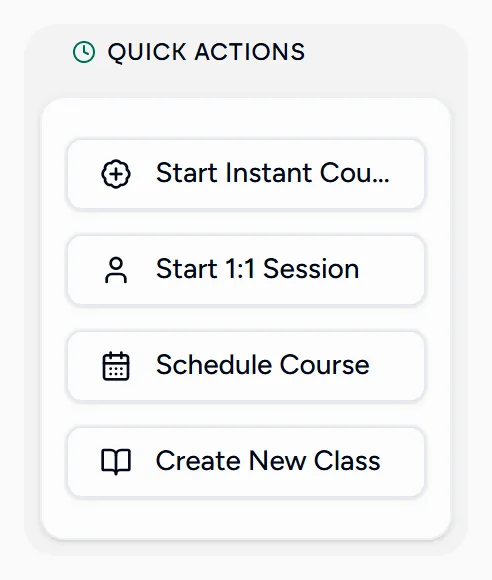
Pick the kind of lesson
- Start Instant Course opens a room several students can join.
- Start 1:1 Session opens a room for a single student.
Both are also under the New session menu at the top of every screen.
You are in the room
The session is created with a name and today’s date, and the classroom opens. Rename it, invite students, or attach it to a class from inside the room.
Instant sessions are labelled Instant on your calendar, so they stay easy to tell apart from lessons you planned.
Getting students in
Because nobody was invited in advance, share the way in from inside the room: invite a student there, or send the join link. A guest can join from that link without an account.
Afterwards
An instant session behaves like any other lesson once it is over. It can be recorded while it runs, and it gets a wrap-up after, so the time and the notes still reach the student’s record.