Your profile
Your profile is what a student sees before they have met you. Edit it on the Profile tab in Settings.
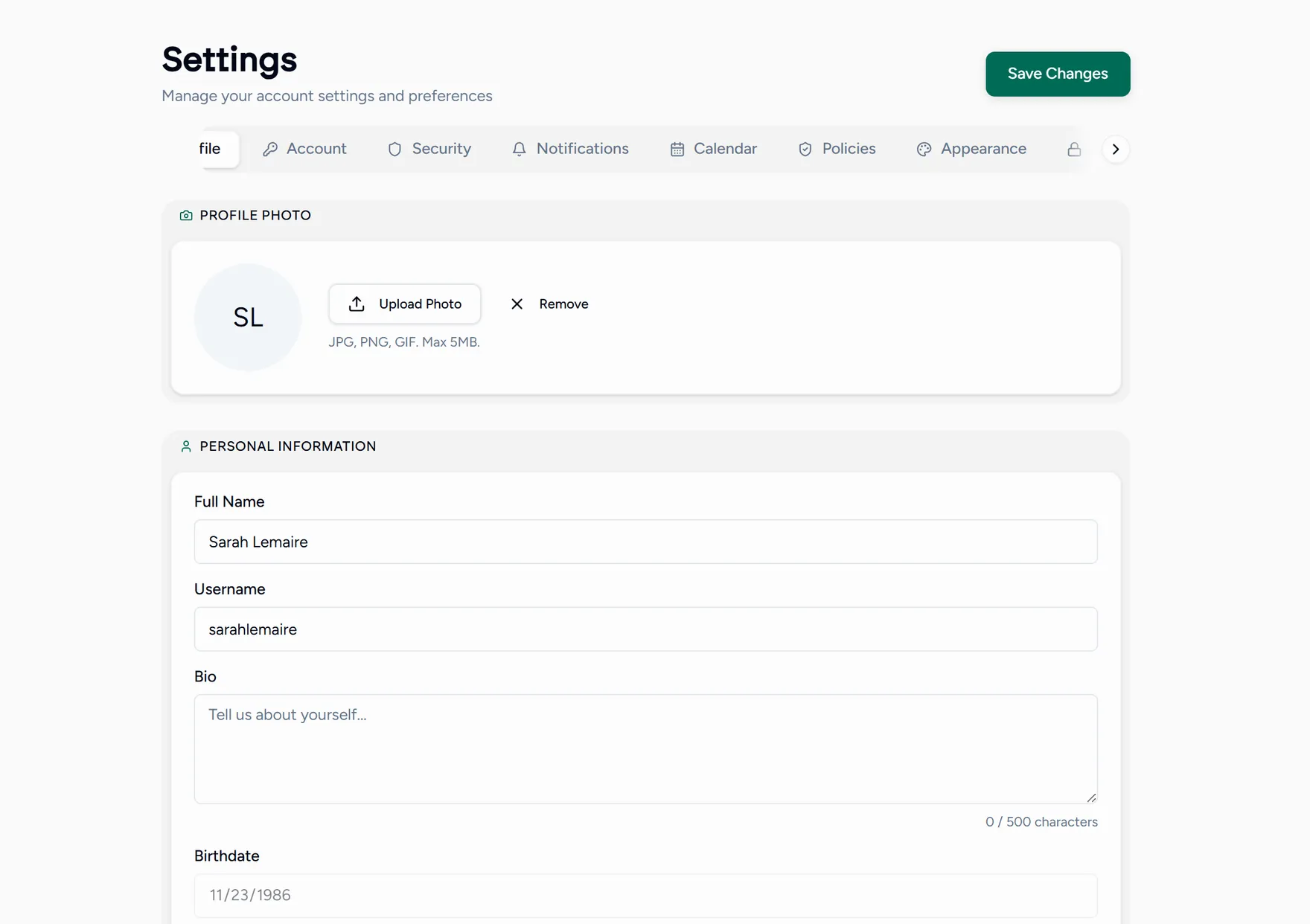
| Field | Where it shows up |
|---|---|
| Profile photo | Your booking page, your video tile, and every message you send. |
| Full name | Everywhere you appear to students. |
| Username | Your public booking page link: teamlilit.com/t/your-username. |
| Bio | Your booking page, under your name. |
| Subjects | Badges on your booking page, and the categories your lessons fall into. |
A photo and two honest sentences convert better than a long biography. The question in a parent’s head is “will this person get on with my child”, not “which university did they attend”.
Set your timezone on the Account tab as well. Every lesson time in Teamlilit is converted from it, so a wrong timezone shows the wrong hour to everyone.