Booking a session
As a student you book from Booking in your dashboard menu.
Open Booking
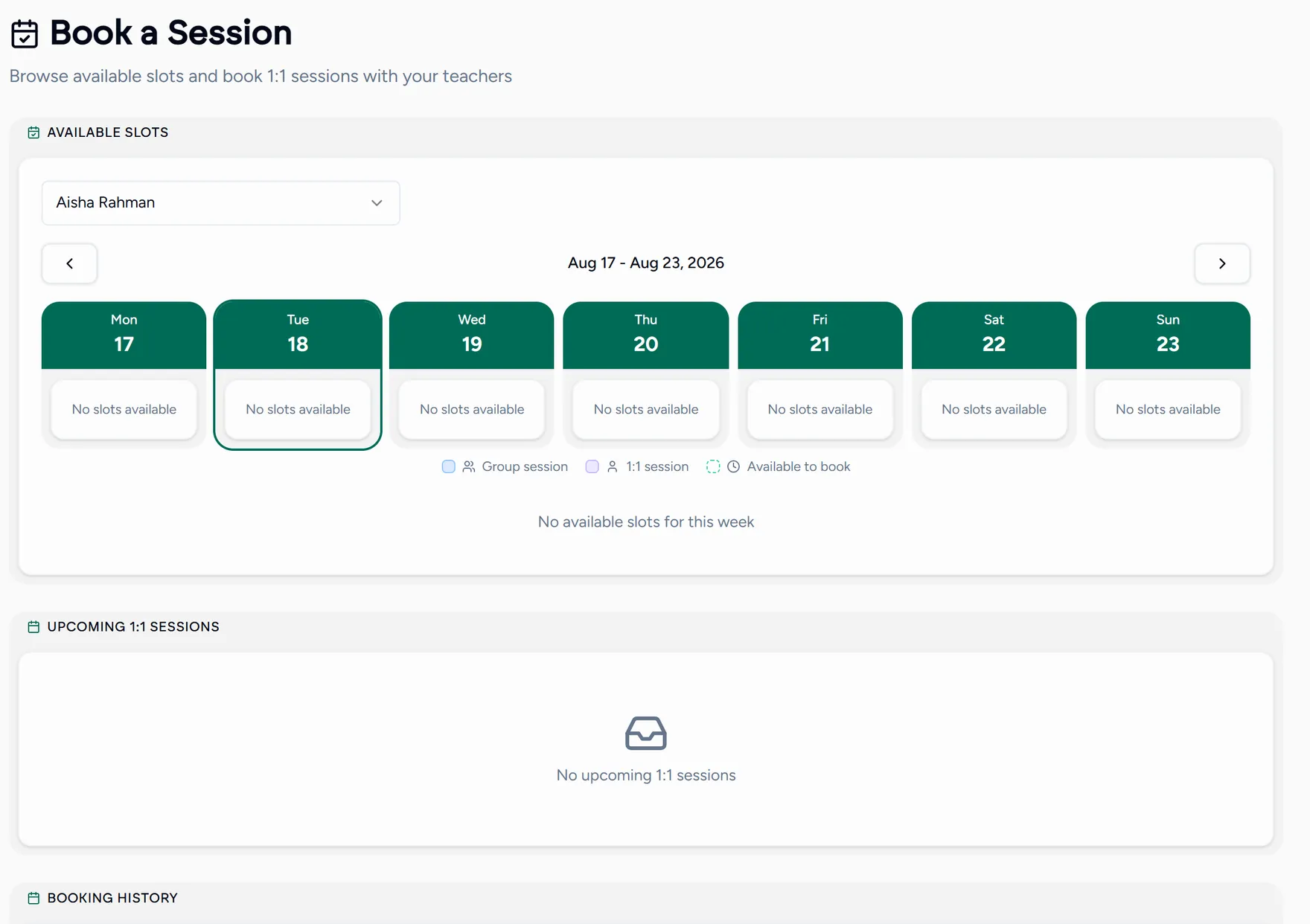
Working with more than one teacher? Pick the teacher first, and the calendar switches to their open slots.
Pick a slot
Times are shown in your timezone. There is nothing to convert and nothing to get wrong.
Add a message
Optional, but useful: a line about what you want to cover lets your teacher come prepared.
Confirm
You will see one of two outcomes:
- Confirmed: your teacher accepts bookings automatically and the lesson is in the diary.
- Pending approval: your teacher reviews requests first. You are notified as soon as they decide.
Booked and pending lessons both appear under your upcoming sessions, and past ones stay in your booking history.
Booking from a teacher’s own page
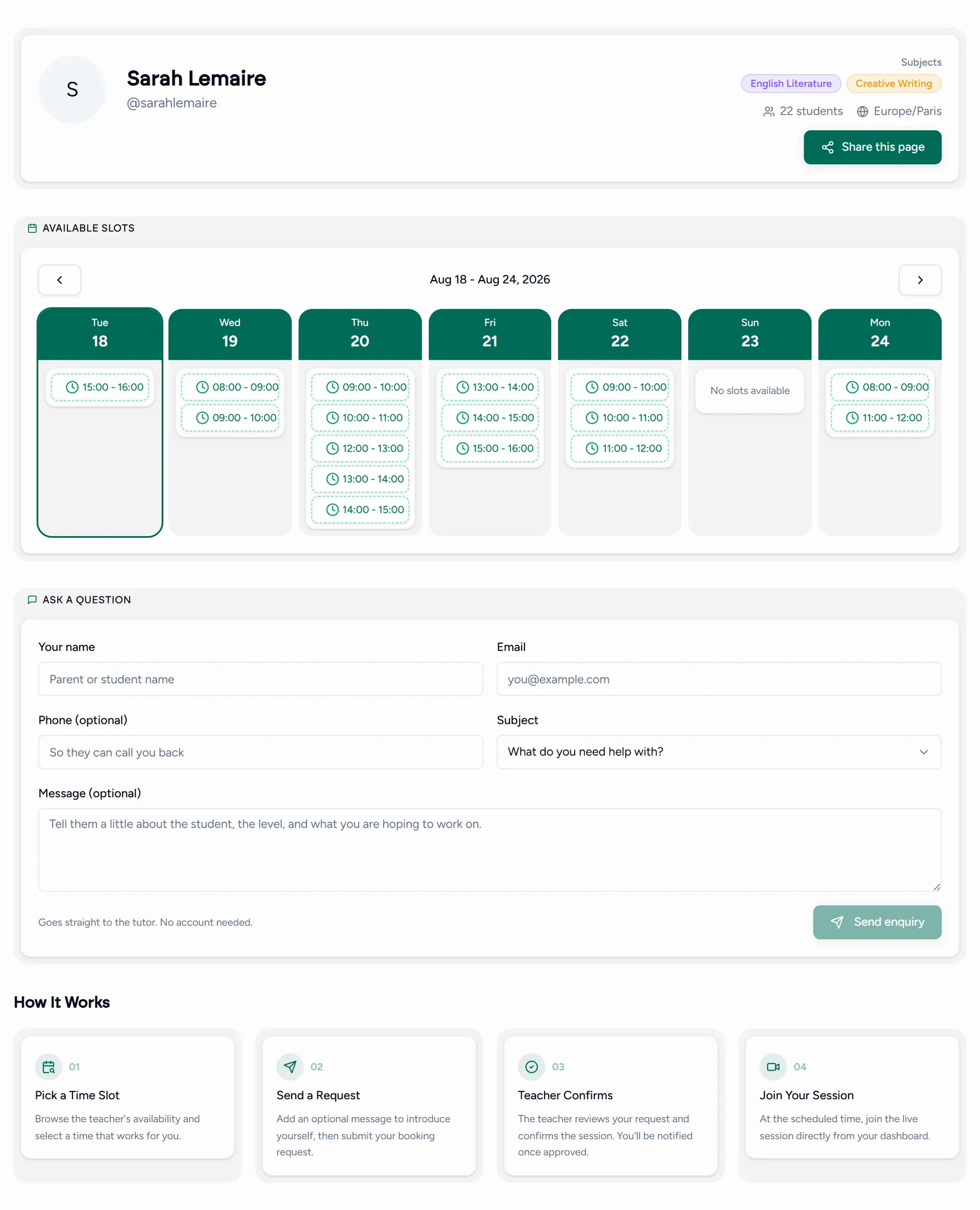
Many teachers share a page at a link like teamlilit.com/t/their-username. You
can pick a slot there directly, even before you have an account: you are asked
to register and the booking finishes straight afterwards.
Changing or cancelling
Open the lesson from your dashboard to see what you can do with it. What is allowed, and how close to the start, depends on your teacher’s cancellation policy.