Session wrap-ups
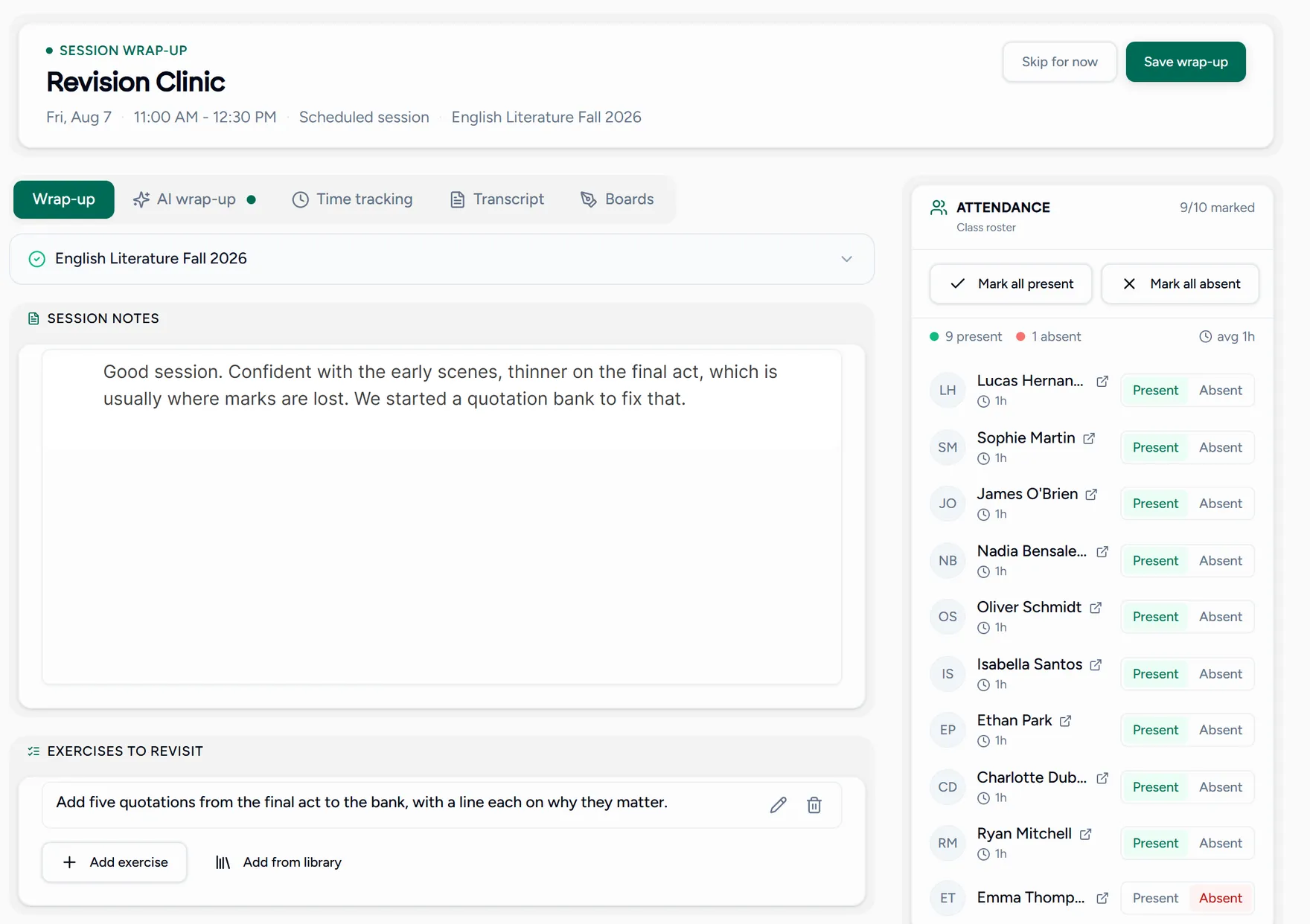
The wrap-up is what turns a lesson that happened into a record you can use later: who was there, what you covered, and what each student does next.
It is also what a parent sees if you send a recap, and what you reach for when someone asks how the term is going.
Writing one
Open the wrap-up
After a lesson ends, open it from the Wrap up step on your dashboard, which counts the lessons still waiting, or from the lesson itself.
Check attendance
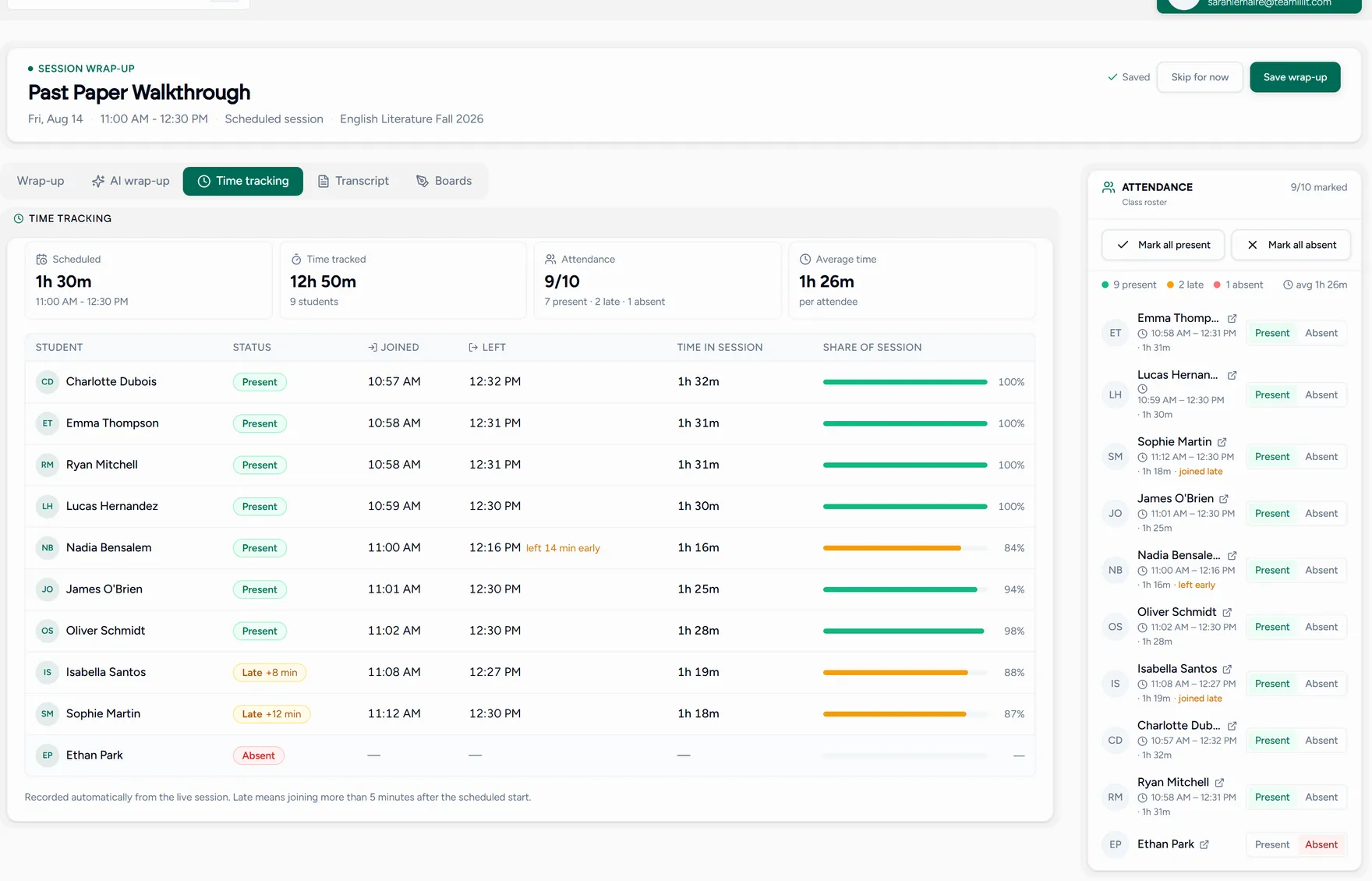
Mark who attended. Teamlilit already recorded how long each student was actually in the room, so you are confirming rather than guessing.
Write the session notes
What you covered, how it went, anything to pick up next time. This is the part a parent reads.
Add per-student notes and homework
Each student gets their own notes and exercises. In a group lesson that is where the difference between two students becomes visible over a term.
Review what the lesson produced
The wrap-up collects the whiteboard, the files shared in class and the recording if you made one, so nothing needs hunting down later.
Save or complete
Save draft keeps your progress. Complete wrap-up finalises it and makes it available to the student.
Starting from an AI draft
If you captured the lesson for AI, a draft summary is waiting on its own tab here. Read it, edit it, and accept it into your notes, or discard it and write your own. See AI session summaries.
Attendance and time from every wrap-up build up on each student’s record, so their history is already written by the time you need it. See Attendance and progress.