Notifications
Your notifications
The bell in the header carries an unread count. Open Notifications to see everything: bookings, reminders, wrap-ups ready, and updates.
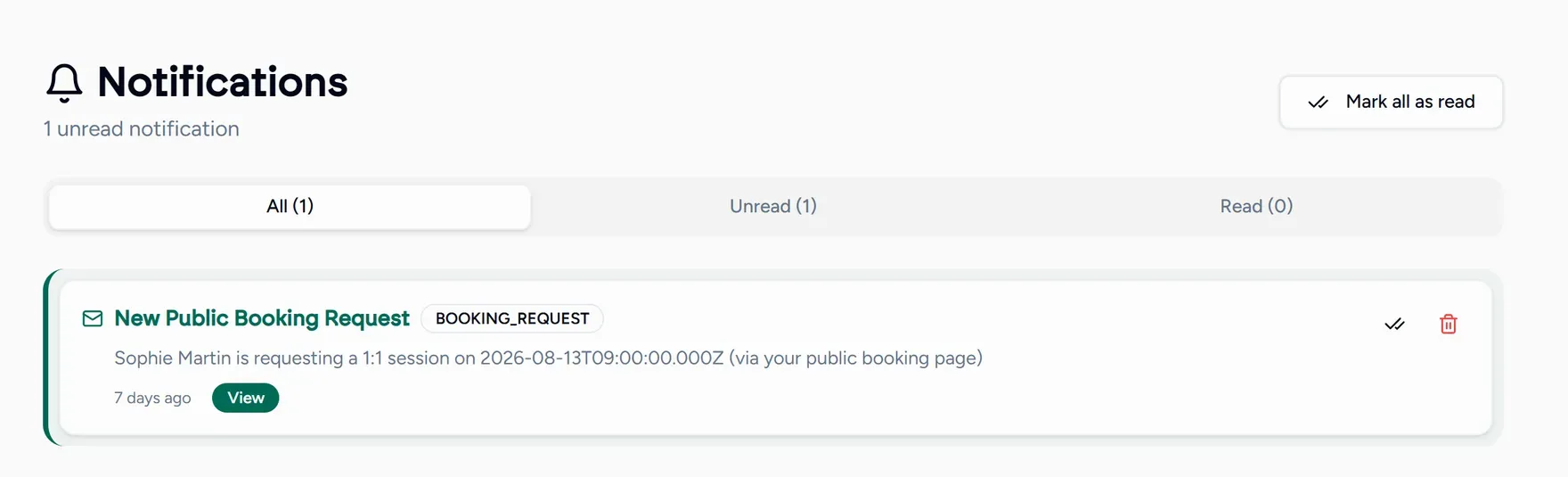
From here you can:
- Filter by all, unread or read.
- Mark as read, or mark everything as read at once.
- Delete anything you have dealt with.
- Follow a notification’s link straight to what it is about, which is usually faster than navigating there yourself.
Choosing what reaches your inbox
The Notifications tab in Settings controls email: lesson reminders, booking confirmations, and the newsletter.
Keep lesson reminders on if you book more than a few days ahead. Almost every missed lesson is someone who forgot, not someone who decided not to come.