Getting support
If something is broken or you are stuck, the fastest route is the support form in the app. It is on your dashboard, and there is a support button in the corner of every screen.
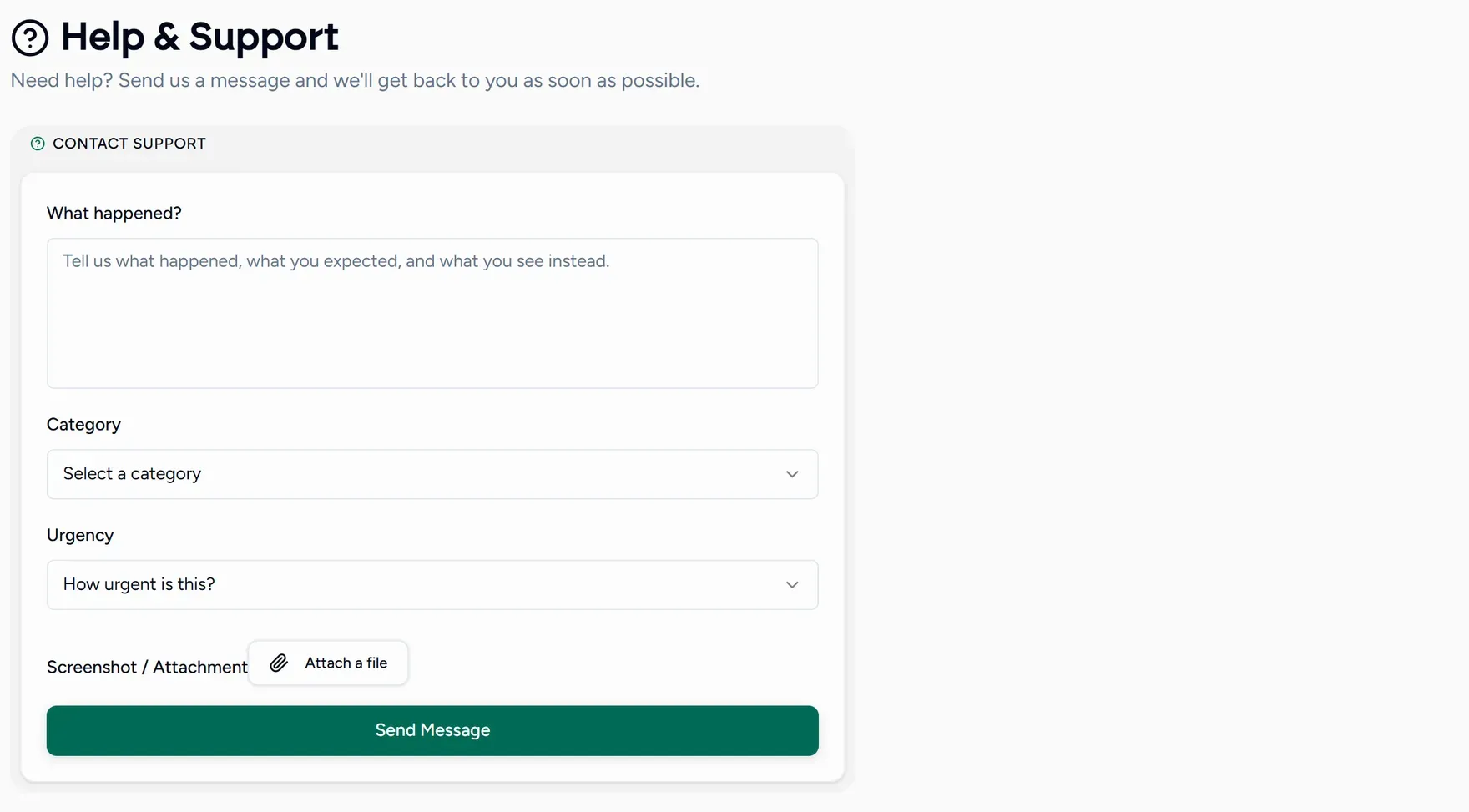
Writing a request that gets fixed quickly
Pick the closest category
Billing, live class, scheduling, students, messages, bug, feature request, or other. It decides who reads it first.
Set the urgency honestly
Blocking means you cannot teach. Annoying means you can work around it. Feedback is an idea rather than a problem. Marking everything blocking makes the word useless.
Say what you expected and what happened
“The join button did nothing when I clicked it at 4pm today” is answerable. “The classroom is broken” is not.
Attach a screenshot
One picture of the screen you are looking at usually saves two rounds of questions.
Your timezone, browser and the page you were on are attached automatically, so you never have to describe your setup.
Other places to look first
- Search this help centre from the box at the top of any page.
- Troubleshooting the classroom covers the common audio and video problems.
- The FAQ and contact page on the main site.