Approving booking requests
If you review bookings yourself rather than accepting them automatically, student bookings arrive as requests waiting for your decision.
Where they appear
Open Requests from the Community group in the menu.
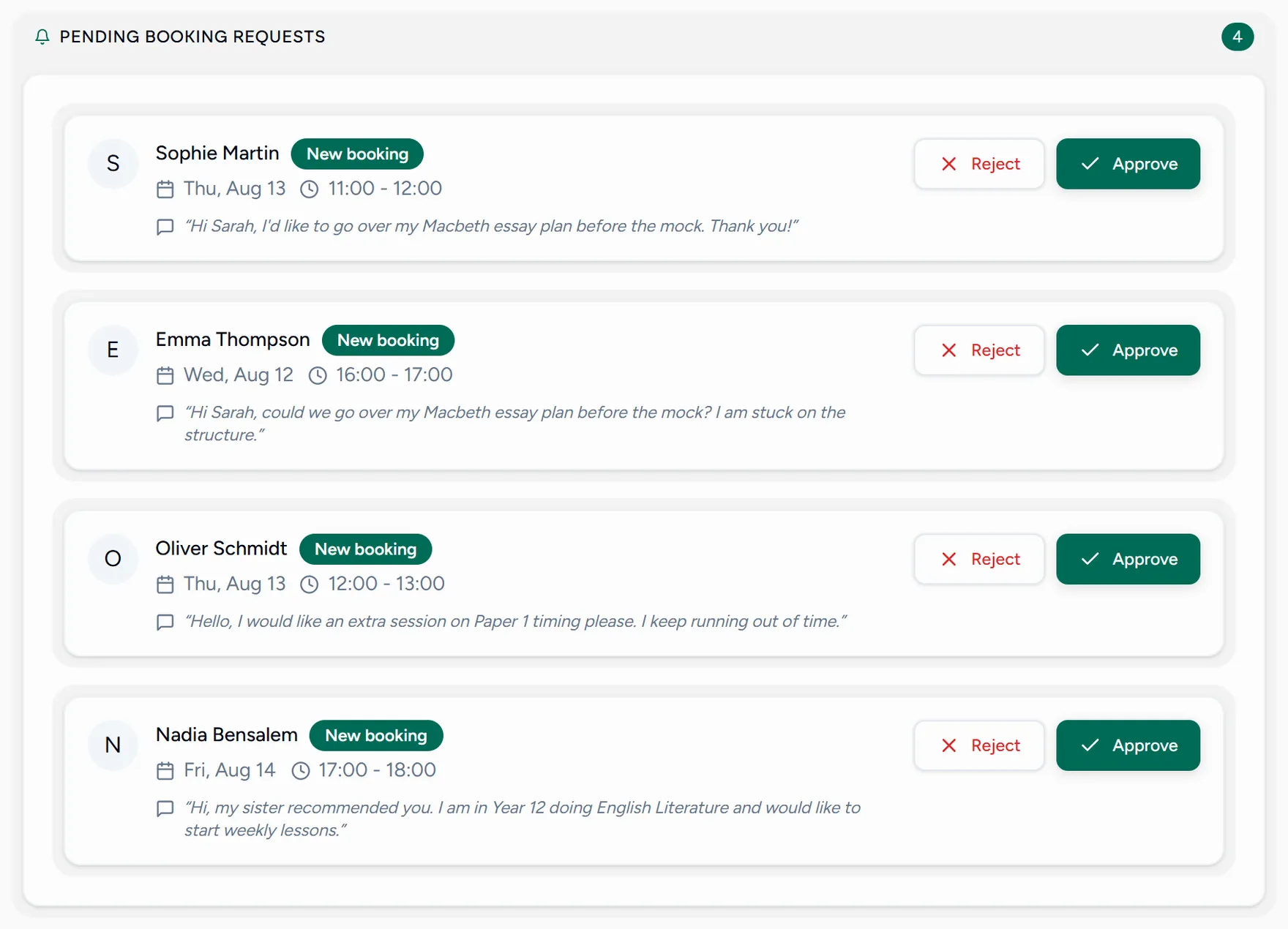
Each card shows the student, the time they asked for, and any message they added.
Read the request
The message often says what they want to work on, which is worth knowing before you accept.
Approve or decline
Approve confirms the lesson. It lands on both calendars and the student is notified.
Decline frees the slot and tells the student, so they can choose another time rather than waiting.
The count of pending requests is on your dashboard, so you do not have to check this screen to know whether anything is waiting.
Skipping the queue
If you would rather not review every booking, turn on automatic acceptance in your booking policies. Slots students pick are then confirmed immediately and never reach this screen.