Interessenten und Anfragen
Nicht jeder bucht sofort. Interessenten ist der Ort für die Leute, die noch überlegen, damit sie nicht unbeantwortet im Postfach liegen bleiben.
Woher ein Interessent kommt
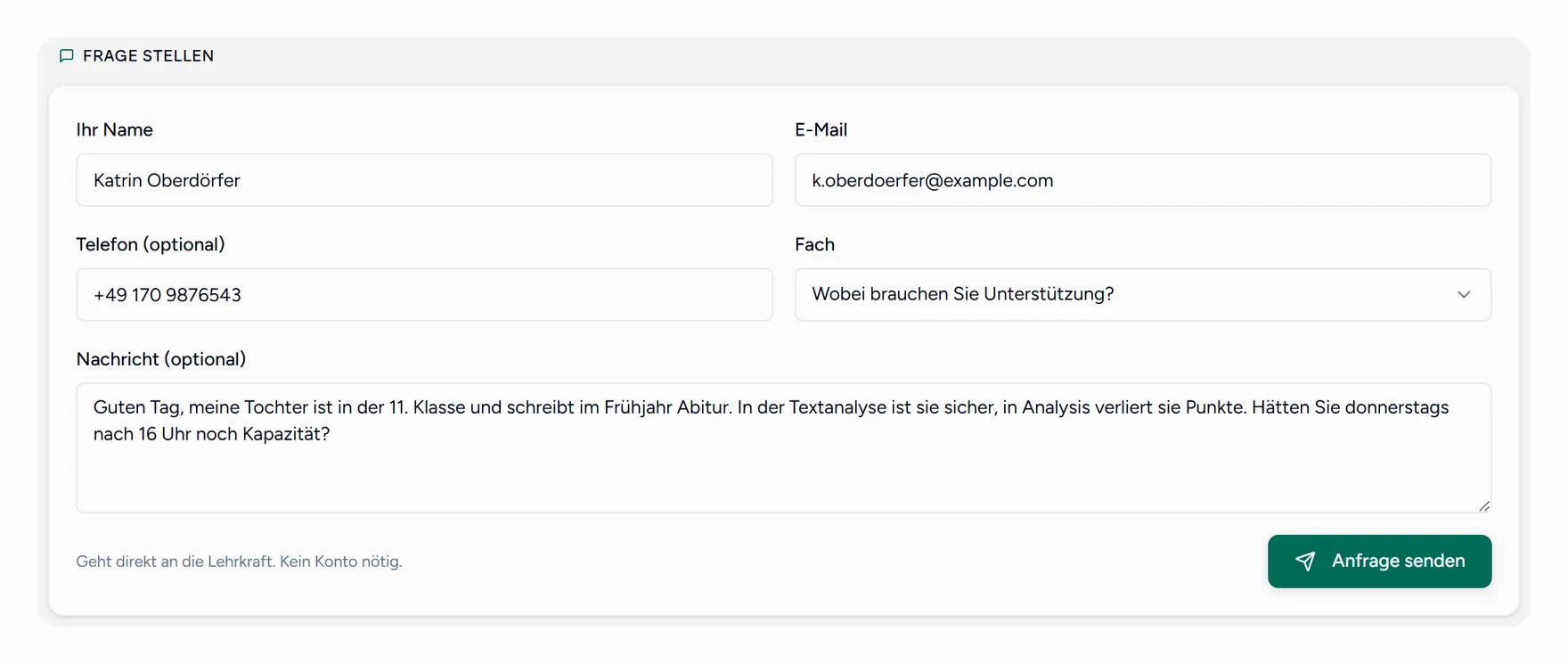
- Jemand füllt das Anfrageformular auf Ihrer öffentlichen Buchungsseite aus.
- Sie legen selbst einen an, über Interessent hinzufügen, nach einem Gespräch am Schultor oder einer Nachricht auf dem Handy.
Der Verlauf
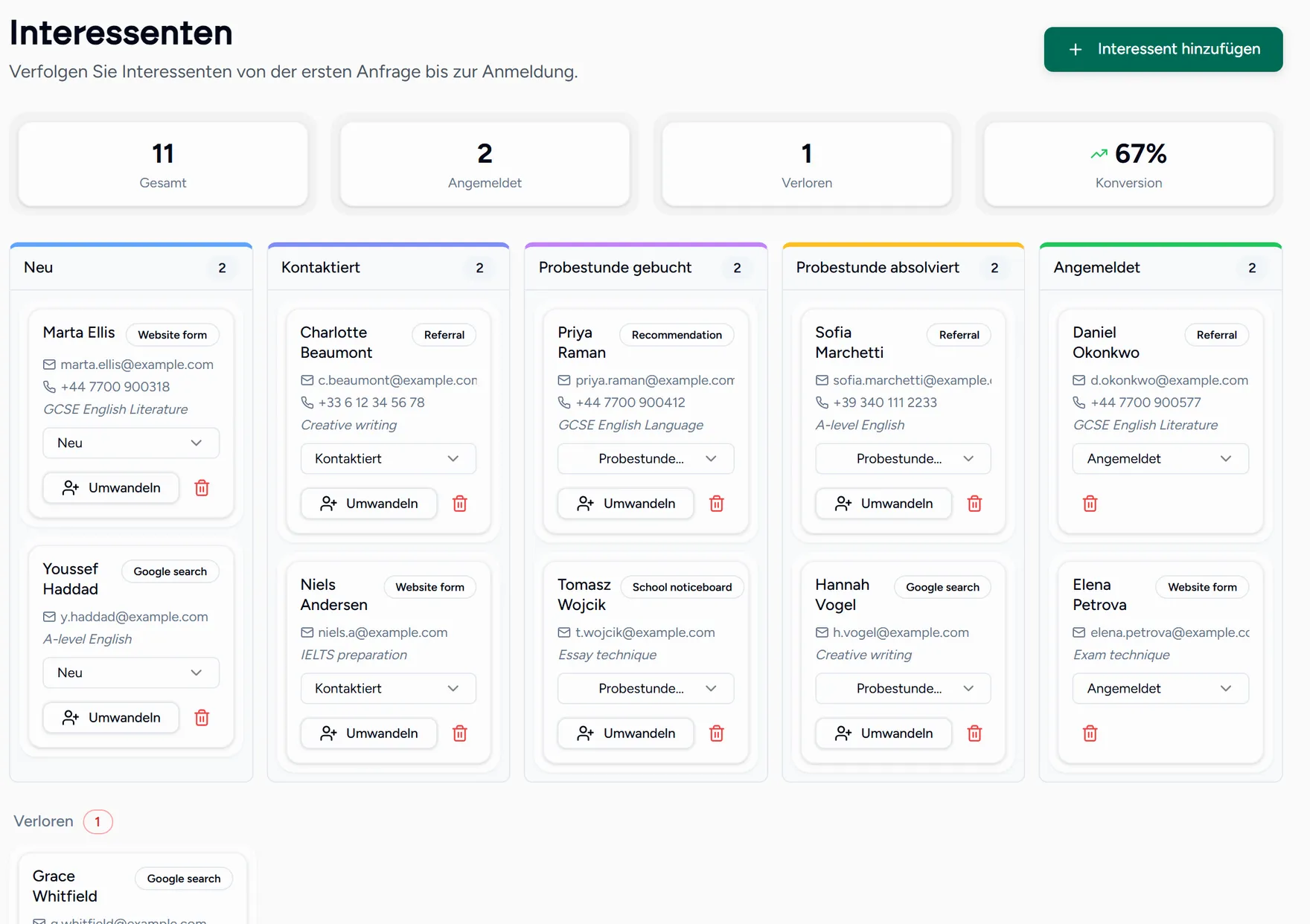
Interessenten durchlaufen sechs Stufen: neu, kontaktiert, Probestunde gebucht, Probestunde erfolgt, angemeldet, verloren. Ziehen Sie eine Karte auf die passende Stufe.
Die Zahlen oben zeigen die Gesamtmenge, die Anmeldungen, die verlorenen Kontakte und Ihre Abschlussquote. Diese letzte Zahl ist die ehrliche Antwort auf die Frage, ob die Buchungsseite funktioniert.
Interessent anlegen oder empfangen
Eine Anfrage über Ihre Seite kommt als neu an, mit Name, Kontaktdaten, gewünschtem Fach und der Nachricht.
Antworten und auf kontaktiert setzen
Das Verschieben der Karte ist genau das, was Sie nächste Woche nicht mehr rätseln lässt, ob Sie geantwortet haben.
Probestunde vereinbaren
Auf Probestunde gebucht setzen und nach dem Termin auf Probestunde erfolgt.
Umwandeln
Wenn die Entscheidung fällt, wählen Sie Umwandeln. Besteht bereits ein Teamlilit-Konto, wird es verknüpft und dem Schülerpool hinzugefügt. Sonst geht eine Einladung raus.
Setzen Sie Interessenten auf verloren, statt sie zu löschen. Ihre Abschlussquote bedeutet nur etwas, wenn die Absagen mitzählen, und wer im März Nein sagt, sagt im September manchmal Ja.