Invoices and payments
Teamlilit already knows how long you taught each student, because every lesson records it. Invoicing turns that record into a bill without you retyping anything.
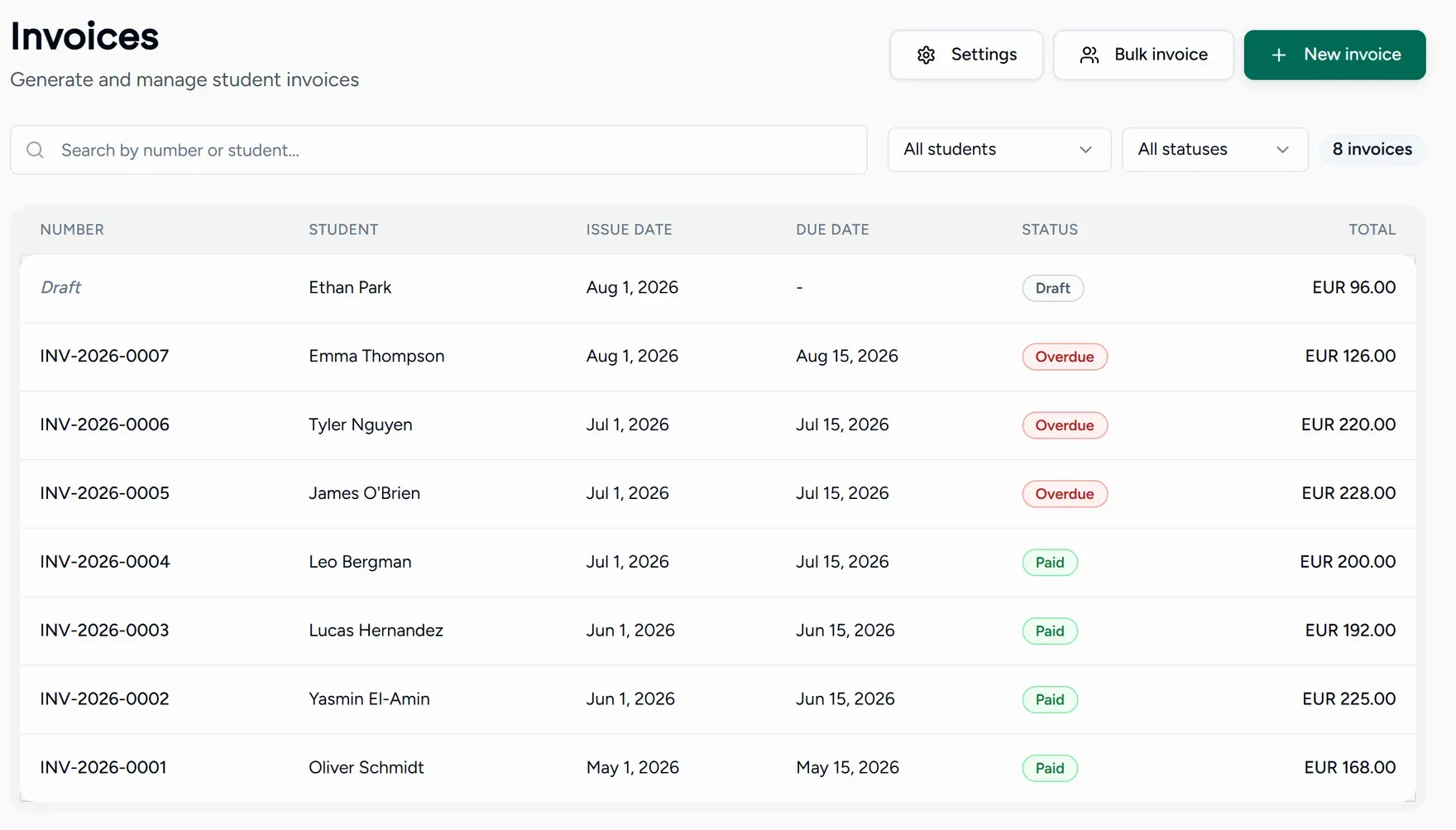
Find it under Invoices in the Admin group of the menu.
What an invoice moves through
| Status | Means |
|---|---|
| Draft | Yours to edit. No number yet, nothing sent. |
| Sent | Issued to the payer and waiting. |
| Paid | Settled in full. |
| Overdue | Past its due date and still unpaid. |
| Cancelled | Withdrawn. |
In this section
This is billing your students. Your own Teamlilit subscription is a different thing and lives under Billing.