Invoice settings
These are the defaults every invoice inherits. Set them once and stop retyping them. Settings on the Invoices screen opens all four.
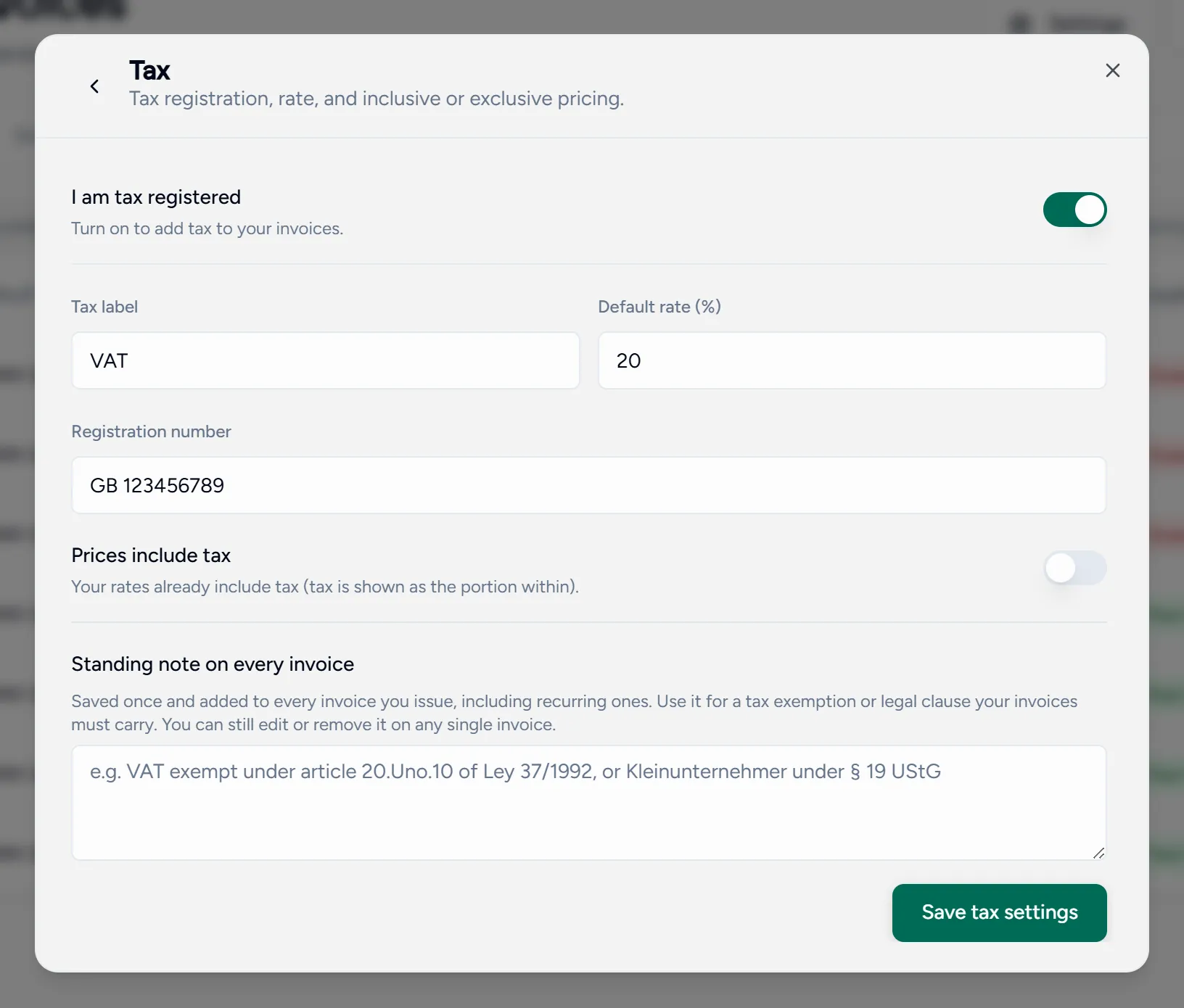
Tax
Turn on I am tax registered and set:
- The tax label your country uses: VAT, TVA, IVA, USt.
- Your default rate.
- Your tax number, which appears on every invoice.
- Whether your prices include tax or have it added on top.
Get this right before you issue the first invoice. Correcting tax on invoices that have already gone out is a conversation with each family, not a settings change.
Payment instructions
Your bank details or payment link, shown on every invoice PDF and email. You can override it on a single invoice while it is still a draft.
Recurring invoices
Add a schedule per student and Teamlilit creates a draft invoice each month from the previous month’s lessons. Set the billing unit (hours, sessions or fixed) and when it first runs. A schedule can be paused without deleting it.
Billing adjustments
Two automatic adjustments:
- Sibling or family discount: discounts a consolidated invoice covering several children, from the Nth student onwards.
- Late payment fee: adds a one-time fee to invoices still unpaid a set number of days after the due date, as a percentage or a fixed amount, and optionally taxed.