Managing your students
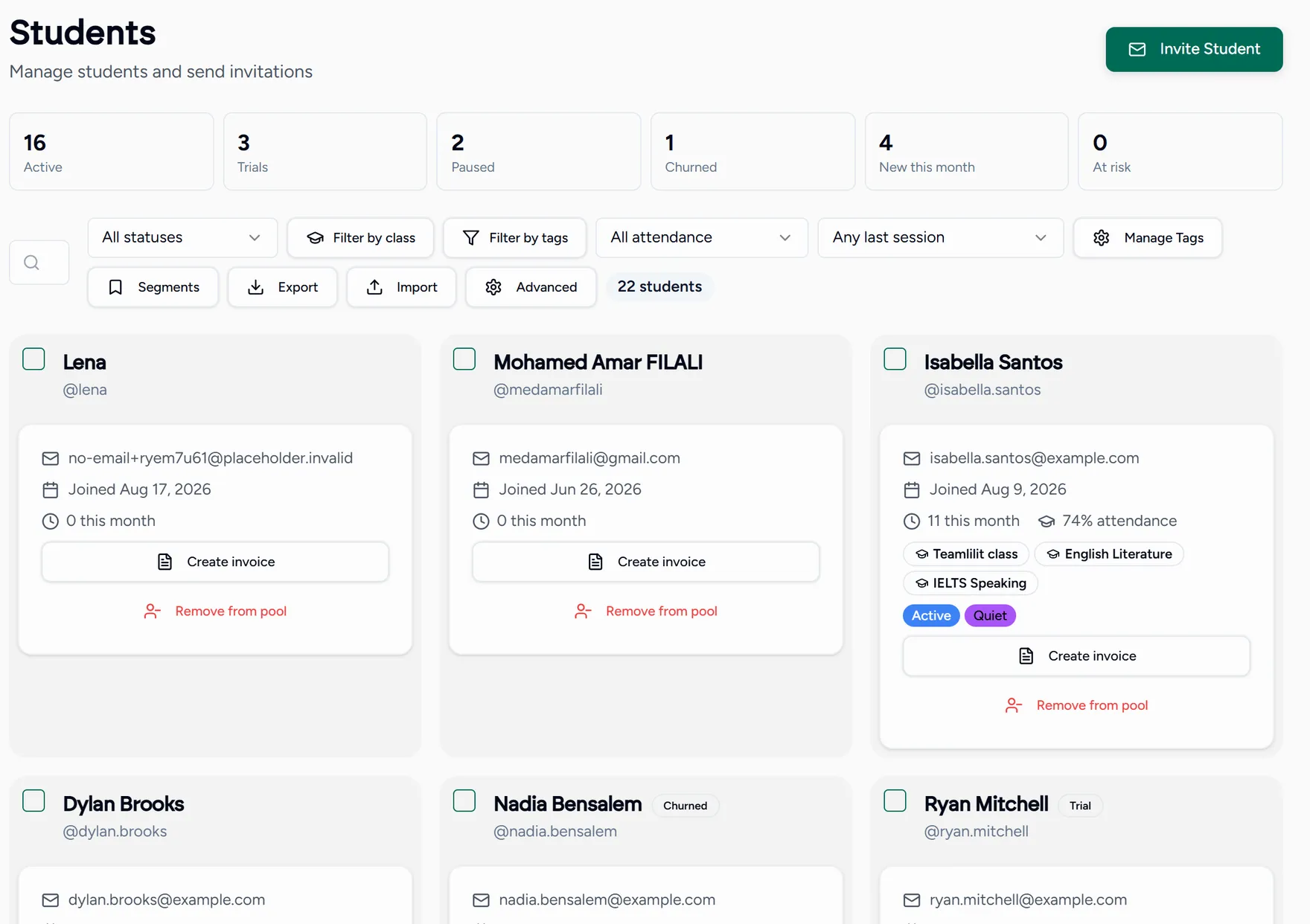
Your roster lives under Students pool. It is the list of everyone you teach, with everything you know about each of them attached.
Inviting a student
Choose Invite student
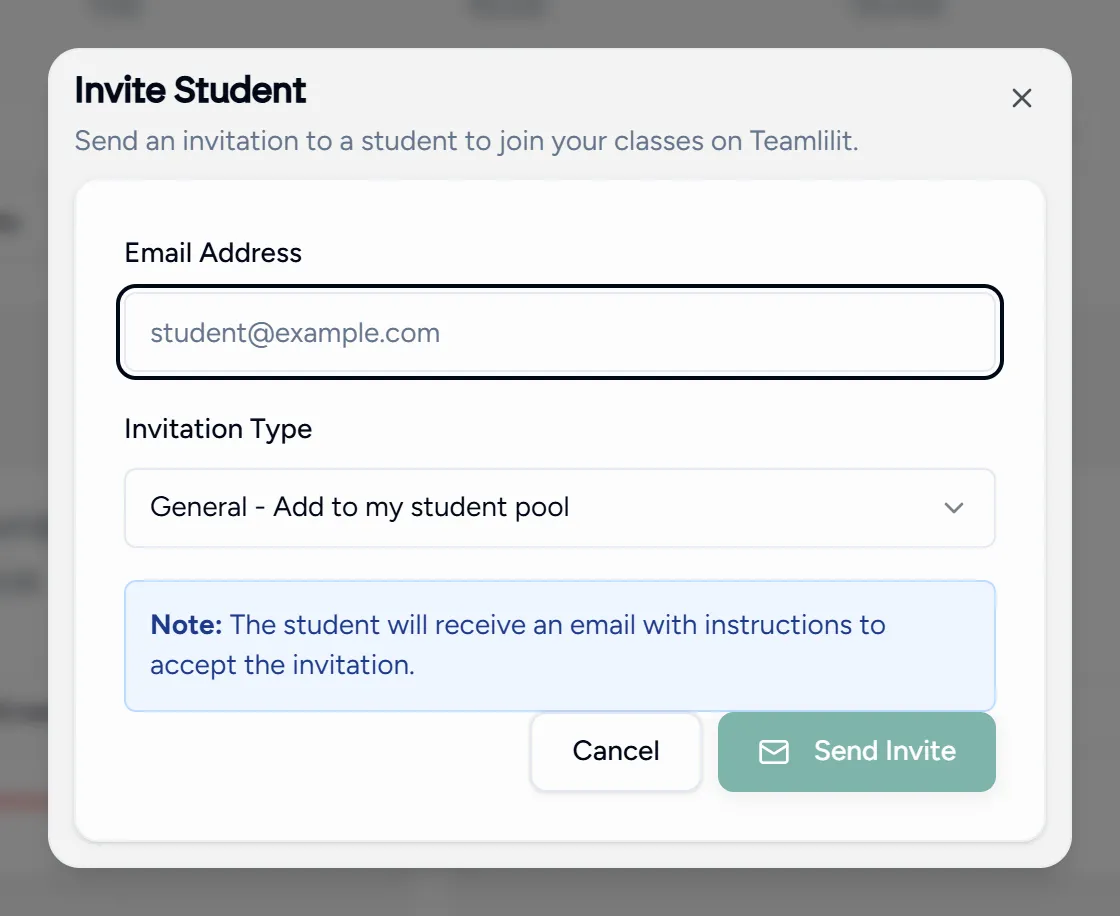
Enter their email
Send a general invite, or a class specific one that adds them to a class the moment they accept.
Wait for them to accept
Invitations you have sent sit as pending with an expiry date. You can revoke one that is no longer needed.
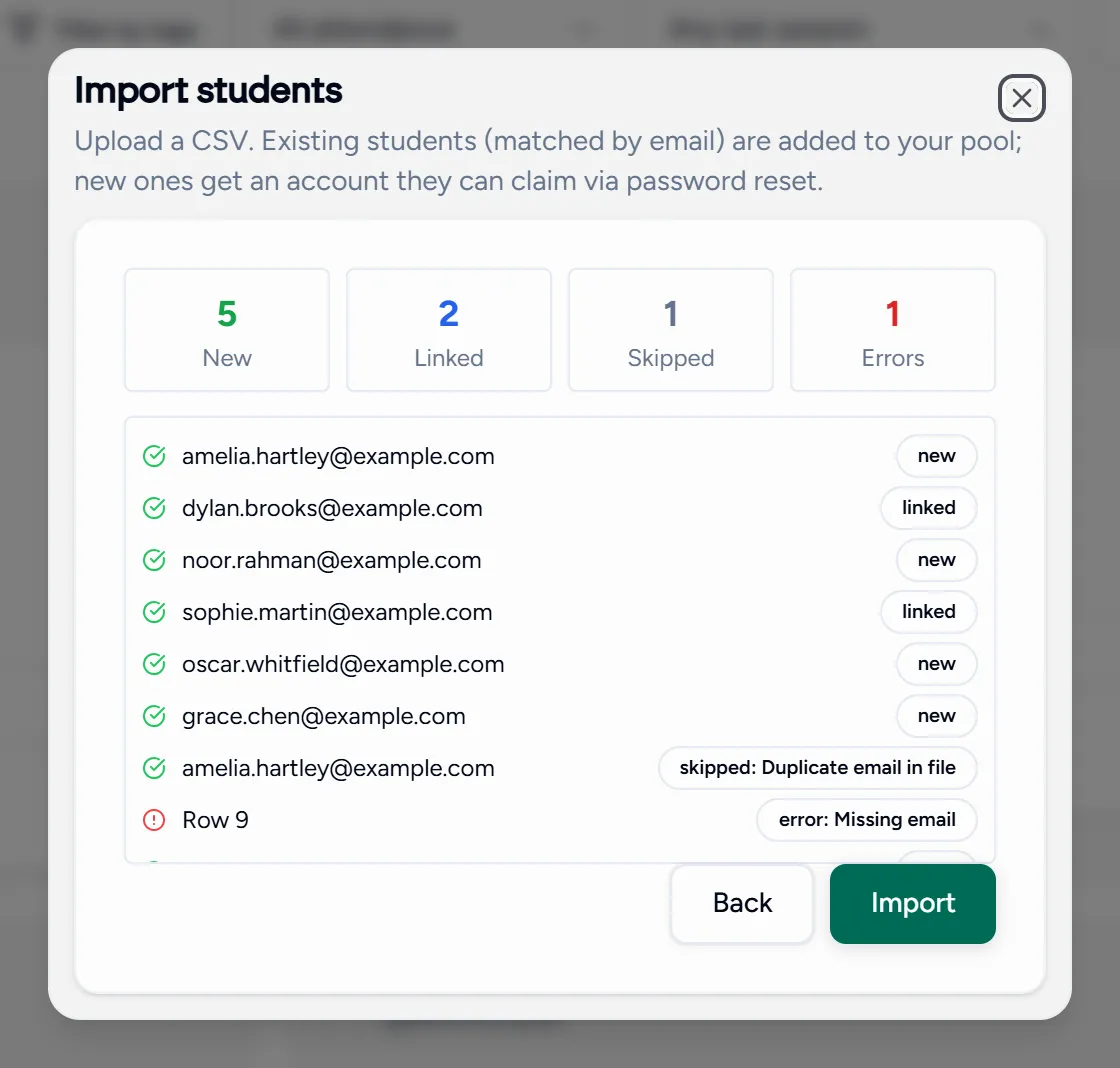
Moving from a spreadsheet? You can import a list of students as a CSV instead of inviting them one at a time.
Finding people
- Search by name or email.
- Filter by tag or by class.
- Tag students however you think about them: level, exam board, focus area.
Messaging a group
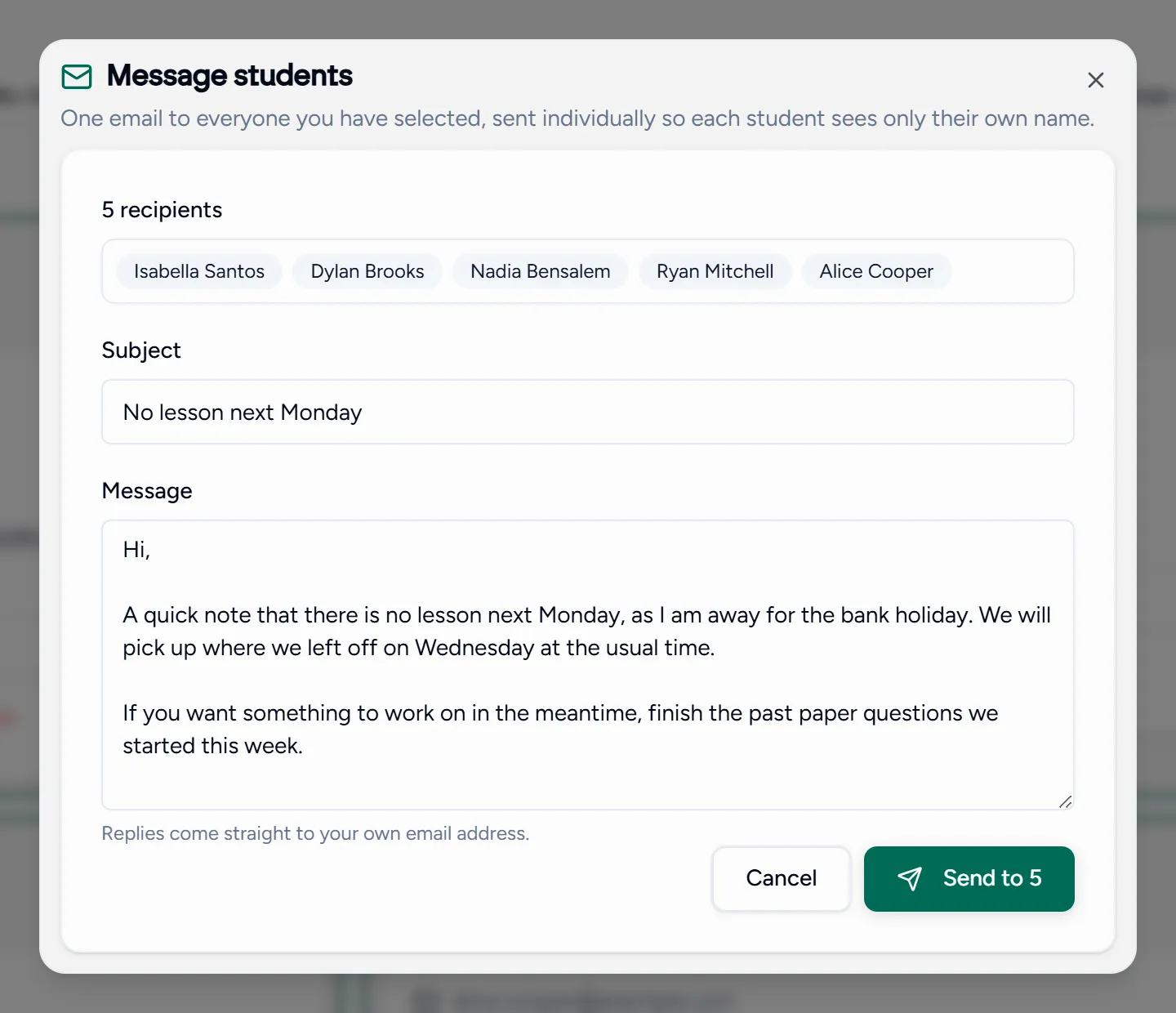
Select several students and message them together, which is the fastest way to tell a class that Monday is cancelled without opening your email client.
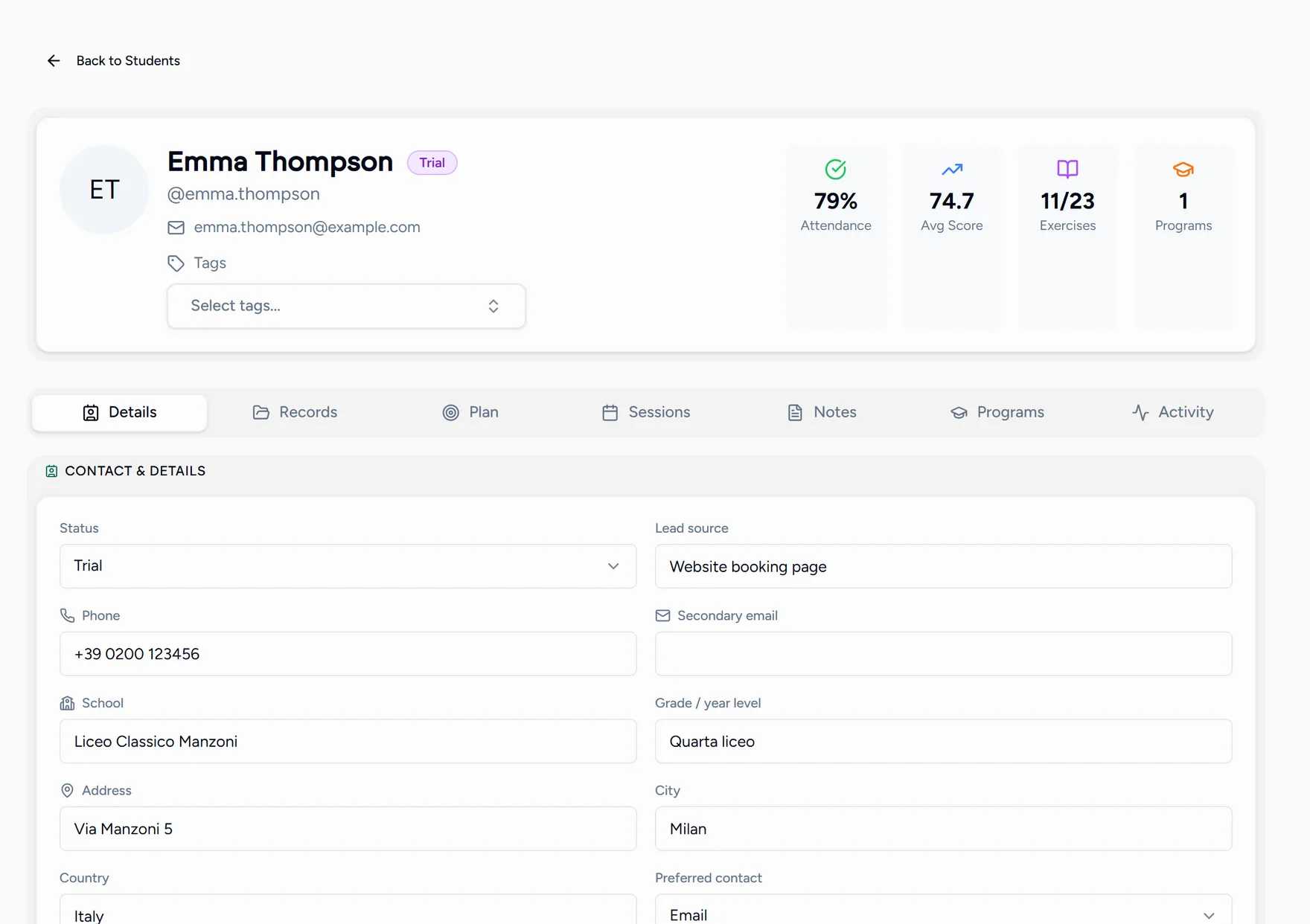
Opening a student’s record
Select a student to see everything about them in one place: contact details, guardians, lessons attended, notes and invoices.