Whiteboard
The whiteboard is a shared canvas everyone in the lesson can see. The host opens it from the control bar. On a computer it sits alongside the video; on a phone it takes over the screen.
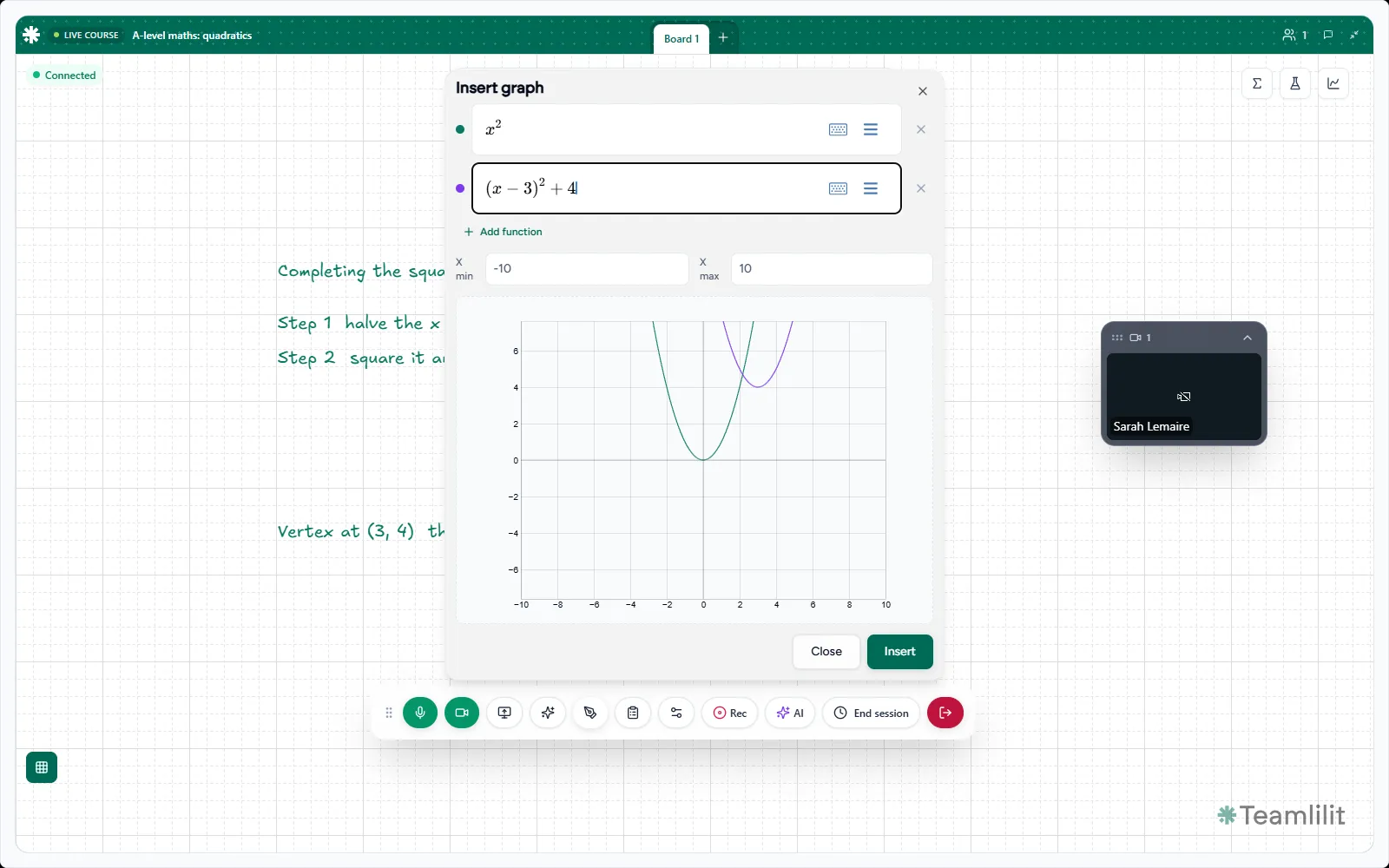
Working together
Changes appear for everyone as they happen, so you can hand a problem over mid-sentence.
- The host can always draw.
- Participants who are not on the main stage see a view only badge and follow along.
- Fullscreen expands the board when a diagram needs the room.
Tools worth knowing
Beyond pens and shapes, the board has tools built for teaching rather than brainstorming.
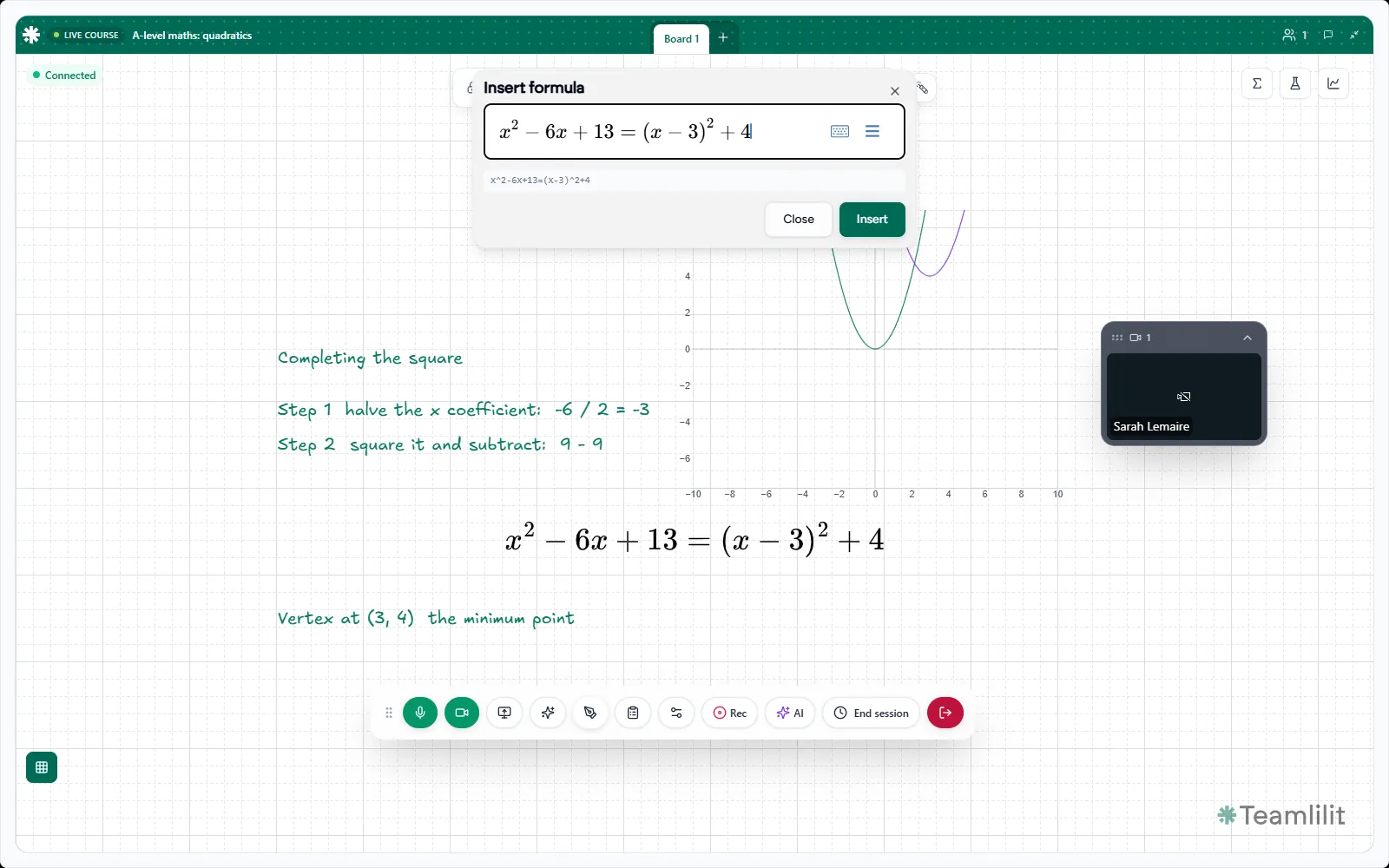
The equation editor typesets properly, so a quadratic looks like a quadratic rather than a line of slashes.
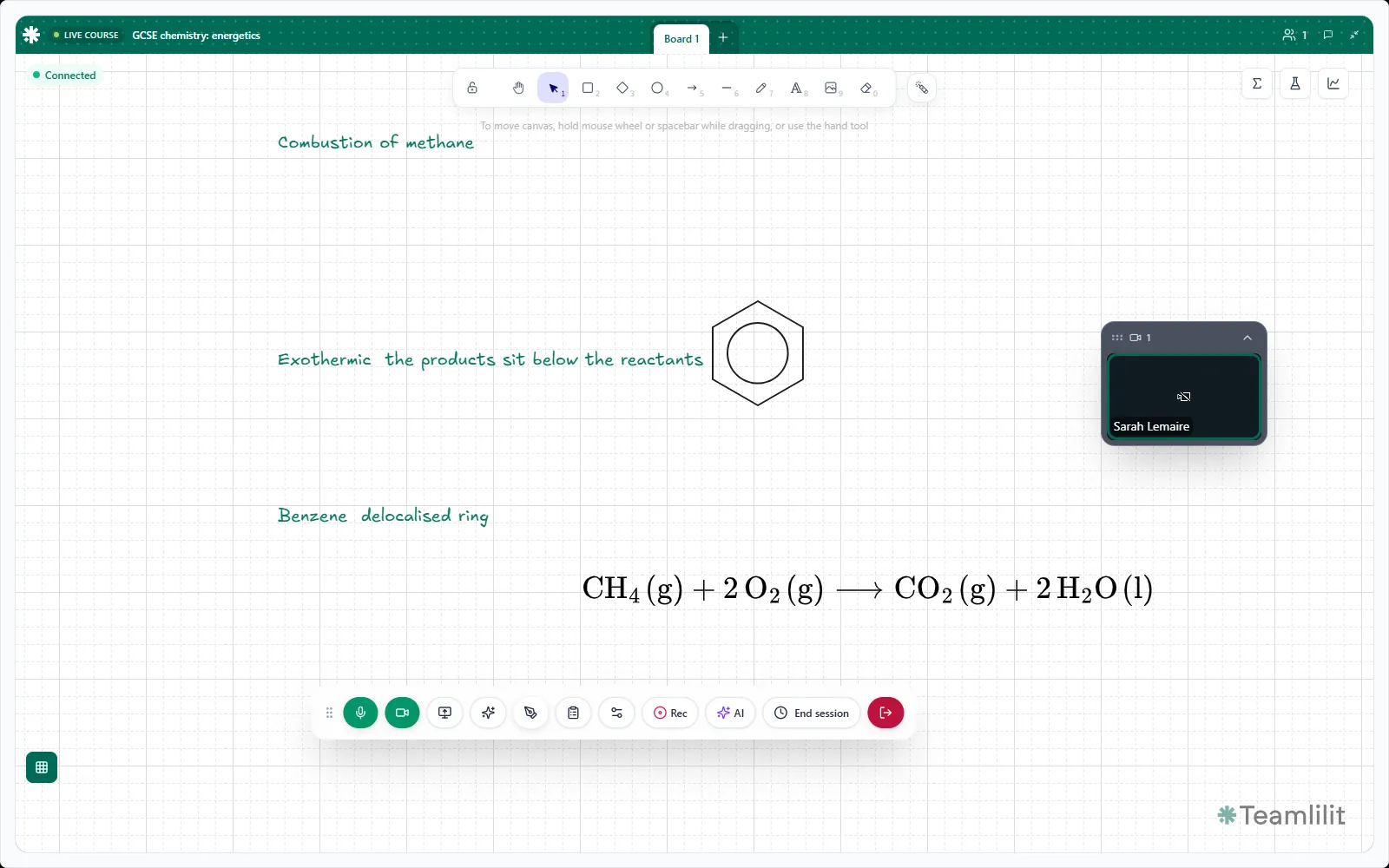
Chemistry gets the same treatment: arrows, states, charges and structures you would otherwise draw by hand and apologise for.
Knowing your work is saved
The board shows what it is doing: connecting, connected, syncing, saving, saved. You never have to guess whether the last five minutes survived.
A snapshot of the board is attached to the session wrap-up afterwards, so a student can go back to what you drew.