Generating a summary
The AI summary is captured during the lesson by the host, then processed after it ends.
Start the capture
Choose AI in the classroom control bar. While it is capturing, the button offers to stop.
Capture runs in the background. Nothing changes about how you teach, and students do not see a different classroom.
Stop when you are finished
Choose stop, or simply end the lesson, which stops it for you. The audio is then uploaded.
Let it process
It works through three stages on its own: uploading, transcribing, and drafting. You get a notification when it starts and another when the draft is ready.
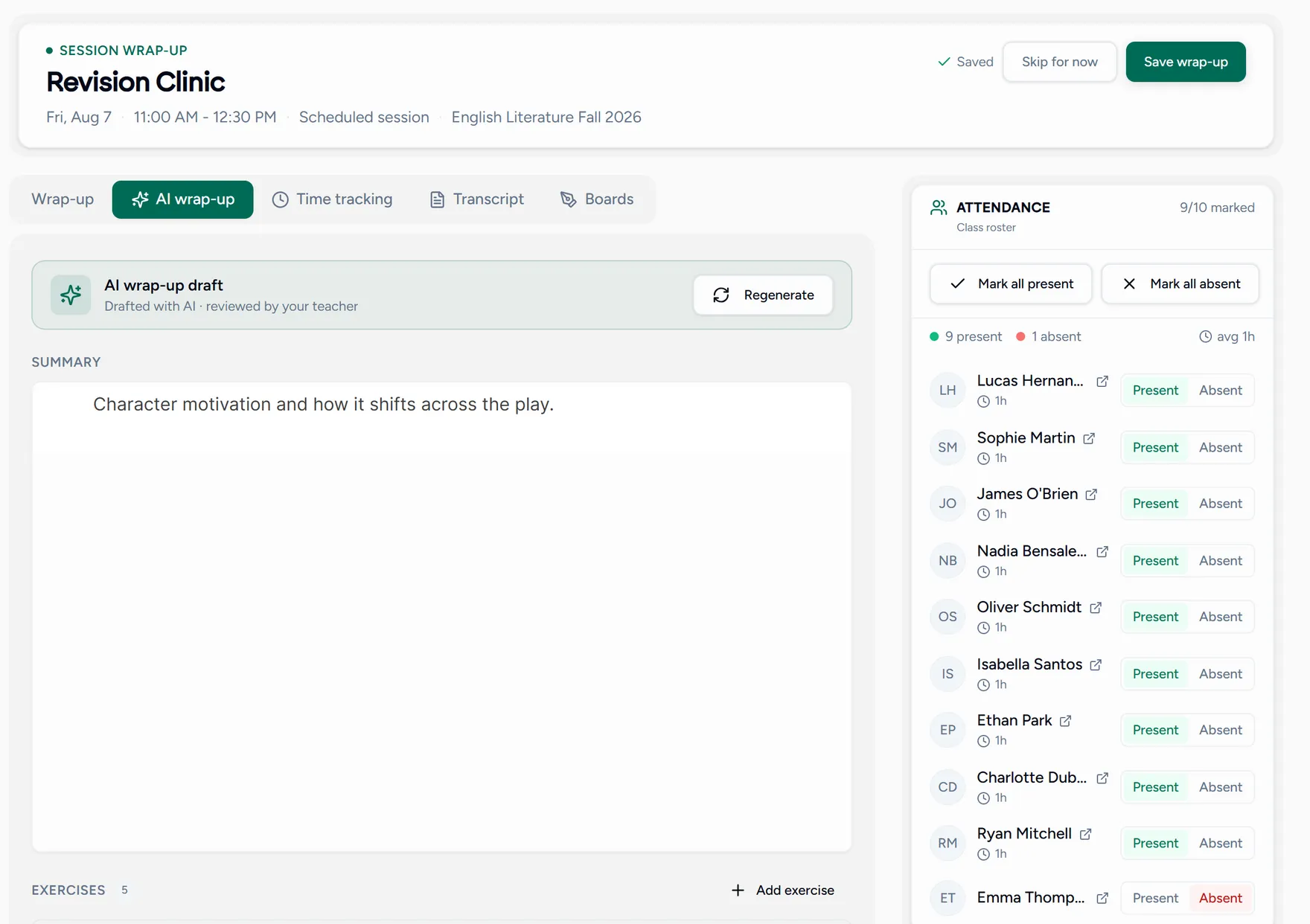
The draft then waits for you on the lesson’s wrap-up, on its own tab, next to a Transcript tab holding the text it worked from.
Capture uses AI credits. If you do not have enough, Teamlilit tells you before it starts rather than halfway through. See AI credits.